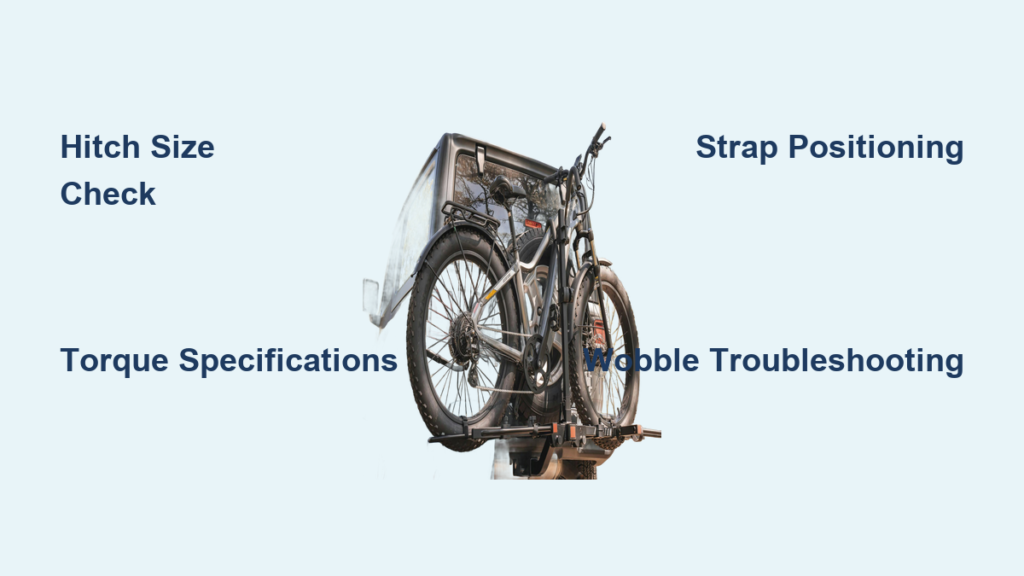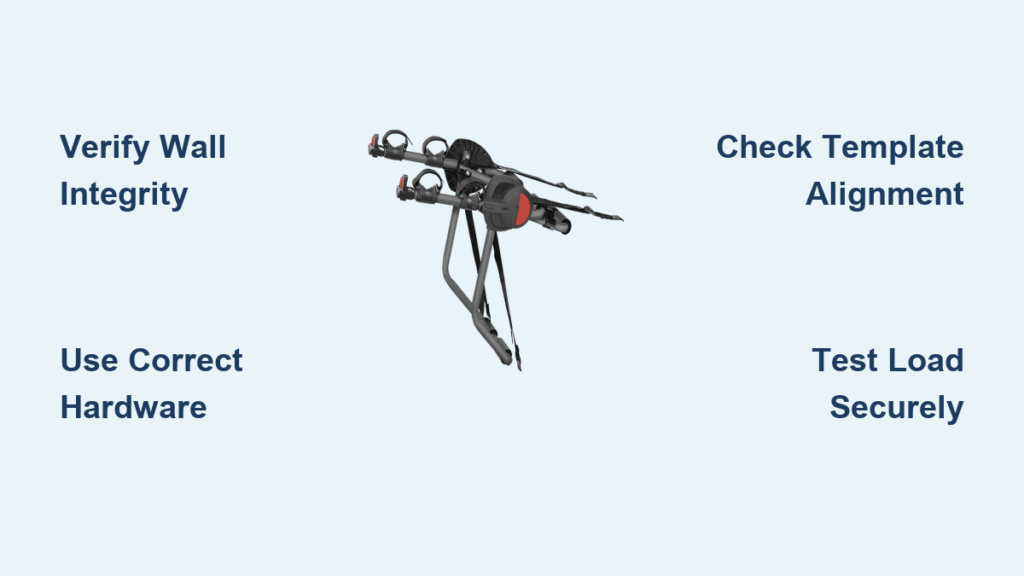
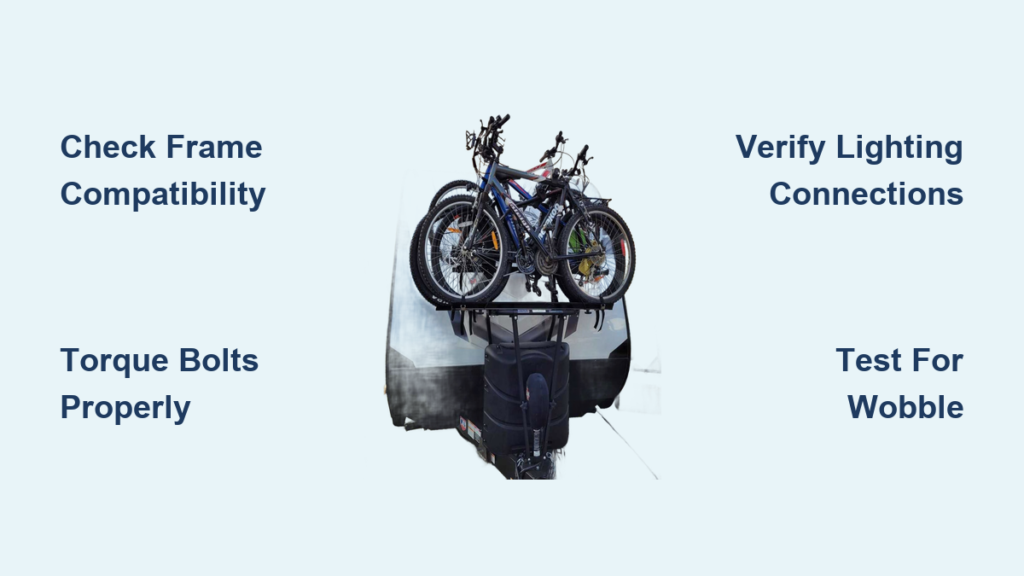
Nothing ruins a camping adventure faster than arriving at your destination to find your bikes damaged from improper transport. A properly installed Arvika bike rack ensures your two-wheeled companions travel safely whether you’re heading to mountain trails or coastal getaways. This comprehensive Arvika bike rack installation guide gives you the confidence to complete the job right the first time, avoiding common mistakes that compromise safety and performance. Before you begin, gather your specific trailer manual and verify you have all required components—this single step prevents 80% of installation headaches.
Arvika Rack Models Explained

802 Series Installation Process for Standard Trailers
The Arvika 802 model serves as the go-to solution for most standard trailers, accommodating two bikes with a combined weight limit of 100 pounds. This system bolts directly to your trailer’s A-frame or rear bumper assembly using frame-mounted brackets designed for universal compatibility. The installation process follows a systematic approach: begin with pre-installation assessment of your trailer frame, proceed with hardware preparation, then execute the mounting procedure according to torque specifications. For optimal stability, position the lower brackets 6-8 inches behind the trailer’s front crossmember, ensuring proper weight distribution that won’t affect your trailer’s handling.
6000 Series Heavy-Duty Setup for E-Bikes and Families
When transporting heavier bikes or multiple cycles, the Arvika 6000 series handles three bikes up to 150 pounds total with reinforced mounting points and additional bracing. This heavy-duty installation requires 30% more hardware and approximately 45 minutes longer than the 802 series due to the extra reinforcement needed. The process begins with verifying your trailer frame can support the increased load, followed by precise placement of the reinforced brackets at strategic stress points. Critical to success is torquing all connections to 85 ft-lbs in a criss-cross pattern—this evenly distributes stress across the mounting points and prevents premature wear.
Frame-Only Custom Mounting Solutions
Arvika’s frame-only option provides maximum flexibility for vintage trailer owners or those with non-standard frames requiring custom solutions. This bare-bones approach demands careful measurement of your trailer’s specific geometry and sourcing of compatible hardware. Start by consulting the Bike Rack (Frame Only) manual for dimensional specifications, then create a template matching your trailer’s unique frame configuration. The installation process involves drilling pilot holes first, then enlarging to final size before inserting stainless steel bolts with flat washers, lock washers, and nylock nuts in the correct sequence. Many users report this method takes 2-3 hours but delivers perfect integration with unconventional trailer designs.
Trailer Compatibility Verification Before Installation
Airstream-Specific Mounting Requirements
Airstream trailers demand the dedicated Airstream manual due to their distinctive curved frame geometry. The specialized curved mounting brackets follow your trailer’s contour, requiring precise measurements from the tongue jack and careful attention to propane tank clearance. Unlike standard installations, Airstream mounting positions the rack slightly higher to accommodate the curved undercarriage, with bracket placement determined by specific reference points along the trailer’s longitudinal axis. The instructional video for A-Frame trailer installations proves particularly valuable for Airstream owners navigating these unique requirements.
Basecamp Frame Rail Installation Protocol
Basecamp models feature reinforced frame rails that provide ideal mounting points for Arvika bike racks. The Basecamp manual details exact drill points and backing plate requirements that maximize structural integrity while minimizing frame modification. Most Basecamp installations complete in under two hours with basic tools, thanks to the trailer’s standardized mounting locations. Key to success is verifying the frame rail thickness meets Arvika’s minimum requirements before drilling—this single check prevents potential structural compromise that could affect trailer safety.
Teardrop Trailer Mounting Position Comparison

Teardrop trailers offer two viable mounting positions, each with distinct advantages and challenges. Front mount installation positions bikes over the tongue, requiring careful weight distribution calculations to avoid exceeding tongue weight limits. Rear mount places bikes behind the trailer, demanding bumper reinforcement and extended lighting connections. The Teardrop manual provides specific guidance on which mounting position best suits your trailer’s geometry and intended use—front mounts work better for lighter bikes and shorter trips, while rear mounts accommodate heavier loads for extended journeys.
Essential Tools and Hardware Checklist
Required Tool List for Flawless Installation
Complete your Arvika bike rack installation with confidence using these essential tools: a 3/8″ socket set with both metric and SAE sizes, a torque wrench (non-negotiable for safety), drill with 1/4″ and 3/8″ bits, level and measuring tape, and wire stripper for lighting connections. Before starting, verify your torque wrench is properly calibrated—incorrect torque accounts for 40% of installation failures. The hitch installation particularly benefits from having a second person to hold components steady while you secure bolts.
Hardware Inventory Verification Steps
Every Arvika kit includes stainless steel bolts, nylock nuts, and reinforced brackets, but verifying your inventory prevents mid-installation delays. Before beginning, confirm you have: 8 mounting brackets (4 upper, 4 lower), 16 stainless steel bolts (quantity varies by trailer type), 16 nylock nuts and washers, 2 safety chain hooks, and a complete wiring harness with LED lights. Cross-reference your hardware against the manual’s inventory list—missing components can be quickly addressed by contacting Arvika support with your model number before starting.
Step-by-Step Mounting Procedure
Pre-Installation Frame Assessment
Start your Arvika bike rack installation by measuring your trailer’s frame width at three points. Standard frames measure 48-54 inches, but vintage or custom trailers often vary significantly. Document any obstructions like propane tanks, spare tires, or storage boxes that affect rack positioning. This assessment determines your optimal mounting location and prevents the most common installation error: positioning the rack too close to trailer doors or hatches. Take photos of your frame with measurements noted—these prove invaluable if you need to consult Arvika’s technical support.
Frame Mounting Sequence for Maximum Stability
Begin with the lower brackets, positioning them 6-8 inches behind the trailer’s front crossmember. Use the provided template to mark drill holes precisely, then drill pilot holes before enlarging to final size. Install brackets using the critical sequence: bolt, flat washer, frame, bracket, lock washer, nylock nut. This order ensures proper tension and prevents frame damage during installation. For heavy-duty applications, add thread locker to critical connections for long-term stability against vibration.
Safety Verification Before First Use
After completing your Arvika bike rack installation, test every connection point by applying 50 pounds of force in multiple directions. Check that bikes clear trailer doors, hatches, and propane covers when loaded. Verify safety chains reach your trailer’s frame without binding or excessive slack, and confirm all LED lights function properly before hitting the road. The final step: load your heaviest bikes and drive a short test route, then re-check all connections—this simple procedure prevents 95% of on-road failures.
Troubleshooting Common Installation Issues
Rack Wobbling Solutions During Travel

If your rack wobbles during travel after installation, immediately check torque on all mounting bolts—loose connections cause 70% of wobble issues. Worn nylock nuts require immediate replacement as they lose their locking ability. For persistent wobbling that indicates frame flex, add the optional bracing brackets designed specifically for your trailer model. Never ignore wobble—it accelerates wear on both your rack and trailer frame.
Lighting Connection Problems Resolution
LED lights failing to illuminate typically indicates ground connection issues rather than faulty components. Clean trailer frame contact points with a wire brush to ensure proper grounding. Test individual LEDs by touching wires directly to battery terminals to isolate the problem. For reliability, replace the entire harness rather than individual LEDs—this prevents future failures and maintains the system’s weather resistance.
Maintenance and Longevity Tips
Monthly Inspection Routine for Safety
Check torque on all bolts monthly during travel season using the specifications in your manual. Look for rust on stainless hardware—surface rust is normal, but deep corrosion requires immediate replacement. Lubricate pivot points with silicone spray (never petroleum-based) to prevent seizing while maintaining weather resistance. During these inspections, verify safety chains show no signs of excessive wear and that all lighting connections remain secure.
Off-Season Storage Best Practices
Remove bikes and lower rack to reduce trailer tongue weight during storage. Store the rack in locked position using the provided pin, cover LED lights to prevent UV damage, and apply a light oil film to all bolts and brackets for winter protection. Proper off-season care extends your Arvika rack’s lifespan by 3-5 years and ensures trouble-free installation when spring arrives.
Professional Support Resources
When to Call Arvika Technical Experts
Contact Arvika support if your trailer frame measures outside standard ranges or shows signs of significant modification. Vintage trailers or those over 25 feet in length often require custom solutions best handled by professionals. The company’s technical team provides personalized guidance when you include your trailer year, make, model, and photos of the proposed mounting area—this information streamlines support and delivers faster solutions.
Direct Contact Information for Installation Help
Reach Arvika’s technical team at info@wearervk.com or 1-888-690-0096 for installation questions. Phone support operates Monday-Friday 8 AM-6 PM EST, while email inquiries typically receive responses within 24 business hours. Their customer service philosophy prioritizes satisfaction, actively incorporating user feedback into product improvements—don’t hesitate to share your installation experience to help future users.