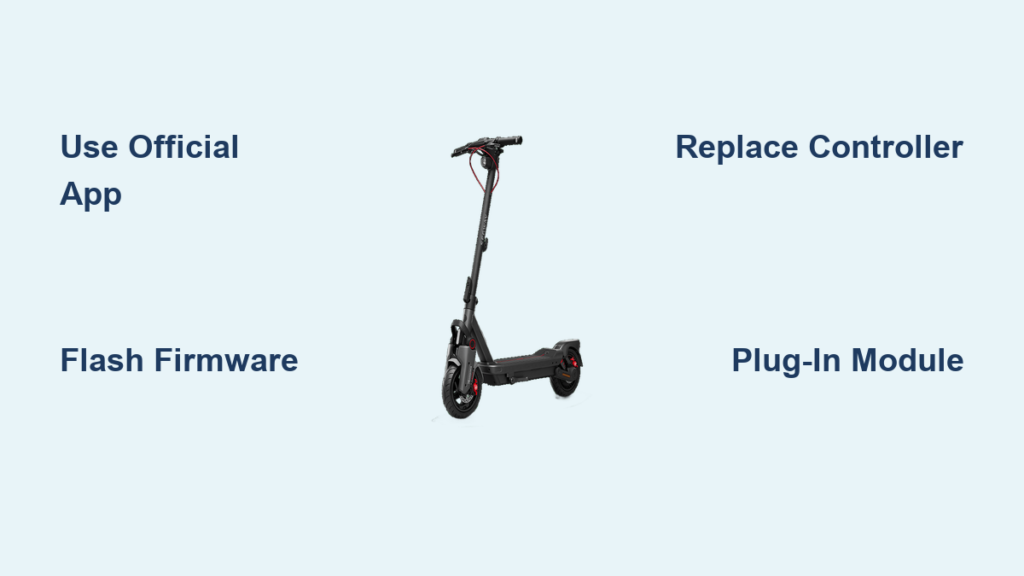
You’ve just unboxed your Segway or Ninebot scooter, fired up the app, and hit the road, only to find it caps out at 25 km/h. You know it can go faster. You’ve seen the videos. You’ve read the forums. The question on your mind: how to unlock a Segway scooter?
The good news: unlocking your Segway or Ninebot model is possible, and in many cases, straightforward. Whether you’re riding a Max G2, F3, or E-Series beast, methods exist to bypass factory speed limits and access higher performance. This guide breaks down every reliable method to unlock your Segway scooter safely.
Unlock via Official App: Max G2 and Max G3

For many users, the safest and most accessible way to unlock a Segway scooter is through the official Segway Ninebot app. This method works on select models like the Max G2 and Max G3, using built-in features disguised as safety protocols.
Max G2: Unlock to 35 km/h
The Max G2 Global Edition can be unlocked to 35 km/h using only the official app, but only if you follow a strict sequence.
- Set Region to United States. Before logging in, ensure your app region is set to United States. This is non-negotiable. Other regions hide the unlock option.
- Bind Your Scooter. Open the app, add your device via Bluetooth, and complete pairing. Binding confirms ownership and unlocks advanced settings.
- Complete Safety Demo. Ride in a safe area while the app records your behavior. Skipping this blocks further access.
- Enable Sport Mode. Go to More Functions > Sport Mode and set max speed to 32 km/h. Do not worry, this is not final.
- Ride 3 to 6 km. Complete a short ride. The app logs data to verify responsible use. Afterward, the 35 km/h option appears.
- Adjust Final Speed. Return to Custom Settings in Sport Mode. Slide the limit up to 35 km/h and save.
Your Max G2 now hits 35 km/h with no pop-up warnings.
Max G3: Use Performance Mode
The Max G3 offers an easier official path to 35 km/h.
- Charge to 80 percent or higher. Prevent interruptions during firmware updates.
- Pair with App. Hold power button for 5 seconds until blinking, then connect via Bluetooth.
- Unlock Full Speed. Go to Settings > Speed Limit and select Performance Mode or Unlock Full Speed.
- Enter PIN. Confirm with your account PIN. The app pushes an update.
- Restart and Verify. After reboot, the scooter runs at 35 km/h with no restrictions.
This is the official limit. For 45 km/h, see firmware flashing below.
Advanced Unlock: Flash Firmware on Max G3
Want 45 km/h on your Max G3? You will need third-party tools. This method bypasses software locks but carries real risks.
Tools Required
- Scooter Hacking beta app
- Stable Wi-Fi connection
- Backup of current firmware
Steps to Unlock G3 to 45 km/h
- Unbind from Official App. Open Ninebot app > Settings > Unbind Device. Confirm via email.
- Connect via Scooter Hacking App. Close official app. Launch Scooter Hacking beta. Grant permissions and connect.
- Verify ECU Versions. Check VCU, MCU, and BMS versions. Mismatched firmware can cause failure.
- Flash VCU Firmware. Go to Flash tab. Load latest VCU firmware. Press Start Flash. Scooter restarts automatically.
- Flash MCU Firmware. Repeat for MCU, using version 1.5.0 or newer.
- Change Region to US. Go to Tools > Magic Button: Change Region. Select US. Expect odd sounds. This is normal. Scooter restarts.
- Set Speed to 45 km/h. Reconnect via app. Navigate to Speed Settings. Adjust slider from 32 km/h to 45 km/h.
- Final Check. Ride in Sport Mode. No speed warnings should appear.
Never force an official update afterward. Rebinding to original app may not work. Flashing stock firmware could brick the scooter.
Hardware Unlock: Replace Controller
Some models, like the Ninebot E2 Pro, cannot be unlocked via software in 2026. Your only option is to swap the controller.
Why Controller Swap Works
The controller regulates power flow from battery to motor. Stock units enforce speed caps. Replacing it with a pre-unlocked or programmable controller removes these limits.
Ninebot E2 Pro: Unlock via Controller Replacement
Stock speed is 32 to 33 km/h. Unlocked speed is up to 35 km/h. Time required is approximately 15 minutes. You will need a screwdriver and pliers.
- Power Off and Disconnect Battery. Always disconnect power before opening.
- Access Controller. Open trunk or rear panel. Locate the main controller near motor wiring.
- Disconnect Wires. Unplug all connectors and remove the five-color cables.
- Install New Controller. Plug in the unlocked unit. Mount with at least two screws.
- Power On and Test. No calibration needed for basic units. Ride and verify speed.
This modification voids warranty due to permanent hardware change.
Flexible Unlock Methods: F2 Plus and F3
Newer models like the F2 Plus and F3 offer multiple unlock paths. These are ideal for users who want flexibility without permanent changes.
Ninebot F2 Plus: Multiple Options
- Pre-unlocked Controller Swap. Same as E2 Pro. Permanent, reliable, but voids warranty.
- Steel Link Flashing Tool. Hardware device that plugs into controller. Flashes custom firmware without soldering. Removes speed cap and retains original hardware.
- Scooter Hacking Utility App. Bluetooth-based. Spoofs region. Adjusts speed limits directly. No disassembly required.
- S-Dash App Region Spoofing. Use S-Dash to switch region settings. May require new account setup. Less reliable than Hacking Utility.
Ninebot F3: Beginner-Friendly Unlock

The F3 is the easiest to unlock safely.
Option one is Scooter Hacking App. Connect via Bluetooth. Change region or speed limit. Save and ride.
Option two is Plug-and-Play Hardware Module. No tools needed. Plug into controller port near handlebar. Power on and unlock is instant. This method is fully reversible. Remove to restore stock settings. It is warranty-safe because no permanent modification occurs.
This is ideal for new riders or those who may sell the scooter later.
High-Performance Upgrade: E-Series
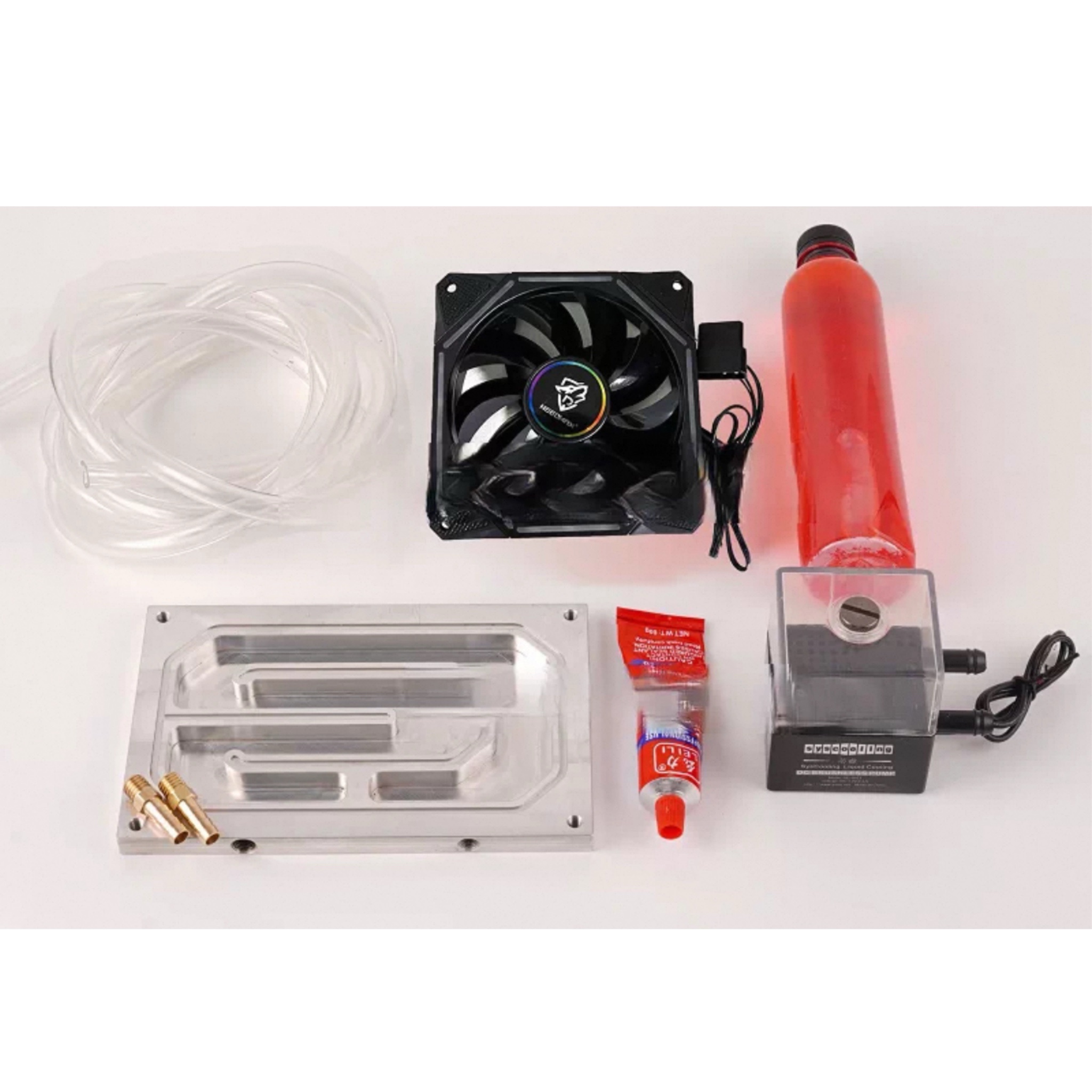
If 35 km/h is not enough, step into the Segway E-Series where speeds exceed 75 km/h with proper upgrades.
Performance Gains After Upgrade
| Model | Stock Speed | Unlocked Speed | Method |
|---|---|---|---|
| E110 | 45 km/h | 65+ km/h | Controller + 72V battery |
| E125 | 50 km/h | 75+ km/h | Controller + 72V battery |
| E150 | 55 km/h | 75+ km/h | Controller + tuning |
| E300 | 60 km/h | 80+ km/h | Full performance package |
Step-by-Step Controller Upgrade
- Power Off and Disconnect Battery. Safety first. Always isolate power.
- Open Trunk and Rear Panel. Access the controller compartment.
- Remove Stock Controller. Unplug all connectors and colored cables.
- Install Programmable Controller. Plug in new unit. Secure with 2 to 4 screws depending on fit.
- Run Auto-Learn Calibration. Power on scooter and controller. Open Bluetooth app. Run Auto-Learn to sync motor and battery.
- Tune Settings. Adjust max speed, acceleration curve, braking sensitivity, and motor response.
Battery Upgrade: 72V for More Power
For maximum performance, upgrade to a 72V battery. Available in 70A, 100A, or 120A versions.
Installation is direct fit in foot tray. Benefits include higher current delivery, increased range on paper, and better BMS for stability.
Trade-off is 20 percent range drop under high-speed use due to energy draw.
Troubleshoot Unlock Failures
Even with the right method, things can go wrong. Here is how to fix common issues.
App Will Not Connect to Scooter
- Restart phone Bluetooth
- Re-pair device in app settings
- Ensure scooter is within 10 feet
- Update Ninebot app to latest version
Scooter Unresponsive After Flash
- Perform hard reset. Power off, wait 30 seconds, restart.
- Check battery charge. Below 20 percent may cause failure.
- Re-flash firmware using correct version.
Speed Limit Returns After Update
- Never force official updates on modified scooters
- Use custom firmware that blocks OTA updates
- Backup stock firmware before flashing
Risks and Legal Considerations
Unlocking your Segway scooter is not just technical. It is legal and financial.
Warranty Impact
| Method | Warranty Risk |
|---|---|
| Official App Unlock | Low |
| Plug-in Hardware Module | Low |
| Controller Replacement | High |
| Firmware Flashing | Very High |
Manufacturers can detect tampering even with removable devices if logs show modified parameters.
Legal and Insurance Risks
Most regions cap e-scooters at 25 km/h on public roads. Riding a 45 km/h scooter on city streets may result in tickets or confiscation. Modifications often void coverage in accidents.
Safety Trade-offs
Expect approximately 20 percent less range due to higher energy use. Stopping distance increases at higher speeds. Test brakes thoroughly. Motors and batteries wear faster under high load.
Maintenance After Unlock
Keep your unlocked scooter running smoothly with these tips.
Firmware Management
- Never auto-update on modified units
- Block OTA updates via router or app settings
- Backup firmware before any flash
Battery Monitoring
- Check voltage sag under load
- Monitor temperature. Overheating can damage cells.
- Use BMS monitor app for real-time data.
Final Verdict: Best Unlock Methods by Use Case
| Goal | Recommended Method |
|---|---|
| Safe, warranty-friendly | Official App Unlock (G2/G3) |
| Reversible, no tools | Plug-in Module (F3) |
| Max speed, expert only | Firmware Flash (G3) or E-Series Upgrade |
| Balance of speed and safety | Scooter Hacking App (F2 Plus, F3) |
Frequently Asked Questions About Unlocking Segway Scooters
Is unlocking my Segway scooter legal?
Unlocking itself is not illegal, but riding an unlocked scooter on public roads may violate local speed limits. Most regions cap e-scooters at 25 km/h. You may face fines or confiscation if caught riding a modified scooter exceeding local limits.
Does unlocking void my warranty?
Official app unlocks and removable hardware modules typically preserve warranty. Controller replacements and firmware flashing void warranty because they involve permanent modifications manufacturers can detect.
Can I unlock any Segway or Ninebot scooter?
No. Some models like the Ninebot E2 Pro have no software unlock available in 2026. You must replace the controller. Other models may have no unlock method at all due to firmware restrictions.
What happens to my battery when I unlock my scooter?
Expect approximately 20 percent less range. Higher speeds draw more amperage and create more aerodynamic drag. Battery temperature also increases, so monitor closely during long rides.
Can I reverse the unlock if I sell my scooter?
It depends on the method. App-based unlocks and plug-in modules are fully reversible. Controller swaps are reversible by reinstalling the stock unit. Firmware flashes are difficult to reverse without a backup of the original firmware.
Key Takeaways for Unlocking Your Segway Scooter
Unlocking your Segway or Ninebot scooter opens up significant performance gains, from the modest 35 km/h achievable through official app methods to the extreme 75+ km/h possible on E-Series models with controller and battery upgrades. The safest path for most riders is the official app unlock on Max G2 or Max G3, which preserves warranty while delivering a meaningful speed boost.
For those seeking reversibility, the plug-and-play hardware modules on F3 models offer the best balance. They require no tools, leave no permanent traces, and can be removed before selling. Advanced users willing to accept higher risks can pursue firmware flashing for maximum speed, but should never attempt this without backing up original firmware first.
Regardless of which method you choose, always prioritize safety, understand your local laws, and remember that greater speed means greater responsibility. Ride smart, stay legal, and enjoy the extra performance.