
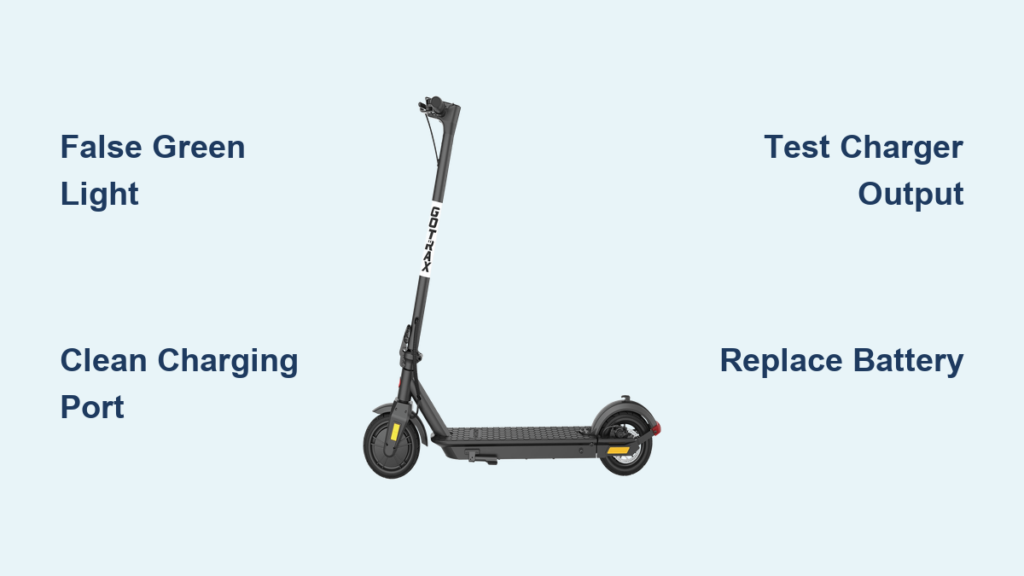
Your Gotrax scooter won’t charge. You plug in the charger, the light turns green immediately, even though the battery is dead. No display response. No power. Nothing. It’s frustrating, especially when you’re ready to ride and suddenly stranded.
This issue is more common than you think, especially with models like the GXL V2, Gas Pro, and Apex. The good news? Most not charging problems are fixable without replacing the entire scooter. In fact, the root cause is often something simple: a loose connection, a faulty charger, or a degraded battery. Rarely is it a total system failure.
In this guide, we’ll walk you through step-by-step fixes to diagnose and resolve your Gotrax scooter not charging issue. You’ll learn how to interpret charger light signals, perform a soft reset, inspect internal connections, test your charger, and identify when it’s time for a battery replacement. We’ll also decode common error codes like E7, E8, and 21E and show you how to avoid costly mistakes.
Let’s get your scooter back on the road fast.
Decode Charger Light Signals

The charger LED light is your first diagnostic tool. Don’t assume green means fully charged. On Gotrax scooters, a green light can mean two very different things: the battery is full or the charger isn’t detecting the battery at all. Understanding this difference is critical.
Red vs. Green: What Lights Mean
A red light indicates charging is active. This is normal when the battery is low. A green light means the battery is fully charged OR the charger detects no battery connection.
A false green light, when the scooter shows 0% but the charger turns green instantly, is a red flag. It means the charging circuit is broken. The charger isn’t delivering power because it can’t see the battery.
This usually points to a loose internal cable, corroded charging port, failed battery, or charger malfunction. If your charger skips red entirely and goes straight to green, the issue is not a full battery. It’s a failure in communication or connection.
False Green Light: Connection Failure
A false green light is one of the most common signs of a loose or interrupted connection. The charger completes its self-check but finds no load, so it defaults to green.
To test this, unplug the charger from both wall and scooter. Wait 10 seconds. Reconnect firmly at both ends. Watch for a red light. If it still goes green immediately, the problem is deeper, likely inside the scooter or with the battery itself.
Inspect Charging Port and Cables
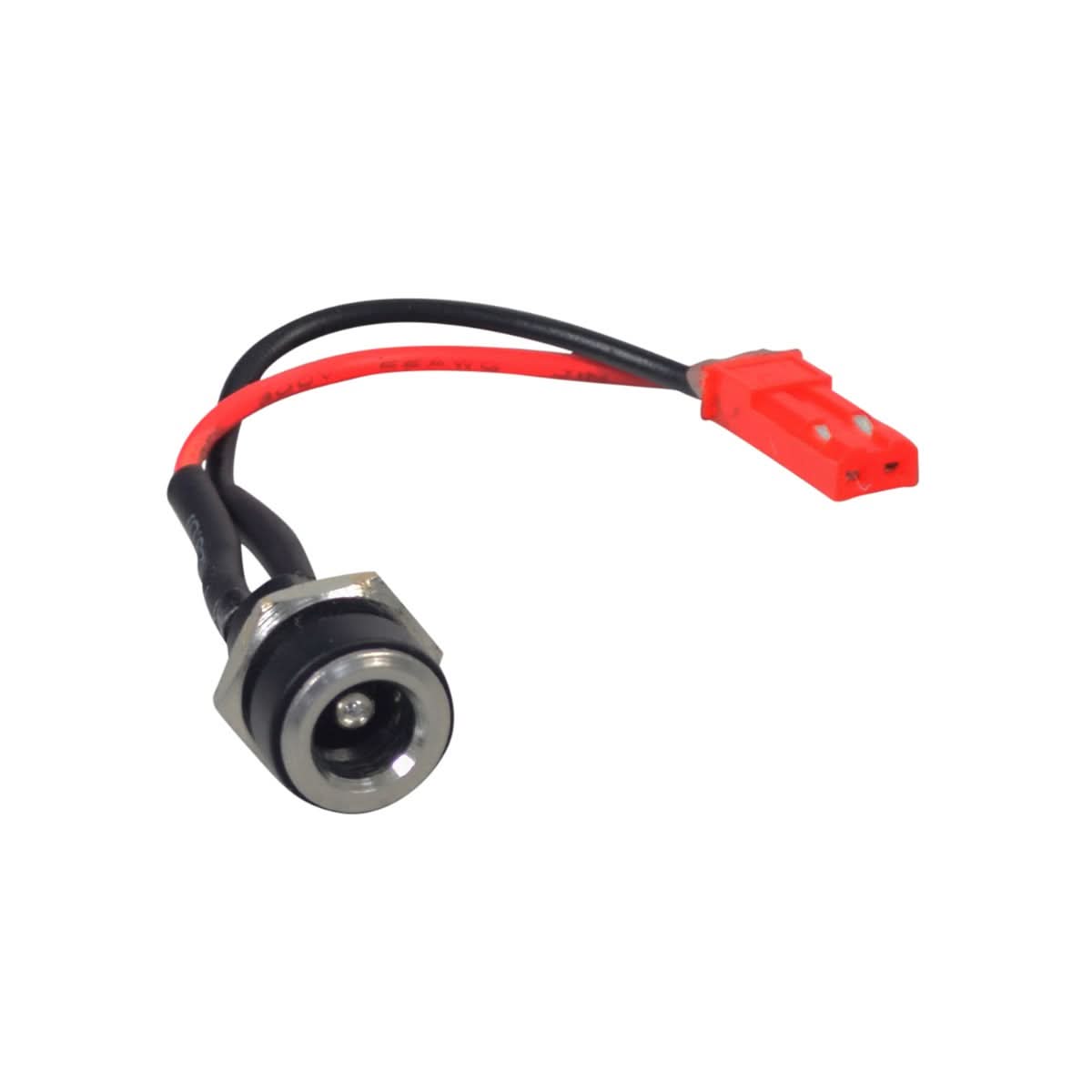
Physical connection issues are the top cause of charging failure. Dust, corrosion, or a bent pin can break the circuit before it even reaches the battery. A quick inspection can save you time and money.
Clean the Charging Port
Debris in the port is common, especially if you ride in dusty or wet conditions.
Steps to clean the port:
- Power off the scooter
- Use a dry soft brush or compressed air to remove dirt
- Shine a flashlight into the port and look for bent or misaligned pins, corrosion showing white or green residue, or moisture
Do not use liquids or metal tools. They can damage contacts or cause shorts. If you see corrosion, gently wipe with a dry cotton swab and let the port air dry completely before attempting to charge.
Check Cable and Plug Condition
Inspect the charger cable for frayed wires, cracked housing, or bent DC plug pins. A damaged cable can prevent proper voltage delivery. Even small kinks or bends near the plug can break internal wires.
Pro tip: Try a different outlet. Faulty wall sockets or power strips can mimic charger failure.
Test and Replace the Charger

If the port looks clean and connections are secure, the next suspect is the charger itself. Many charging issues are actually charger failures disguised as scooter problems.
Verify Charger Output with Multimeter
You can confirm if your charger is working using a multimeter.
Steps to test the charger:
- Set multimeter to DC voltage, 200V range
- Insert probes into charger output, red to center pin, black to outer ring
- Plug charger into wall
Expected reading for most Gotrax models is 58 to 60V DC. Below 50V or fluctuating indicates the charger is failing. No reading means the charger is dead. If voltage is out of spec, replace the charger.
Use Only OEM or Matched Chargers
Never use a random charger, even if the plug fits. Gotrax scooters require specific voltage, 58V to 60V, and current, 3A to 4A.
Using a mismatched charger can trigger error codes, damage the battery, or cause permanent controller failure. Replace with an original Gotrax charger or a verified third-party equivalent compatible with your model.
Perform a Soft Reset
Software glitches can interrupt charging. A soft reset clears temporary errors in the battery management system or controller. It’s fast, safe, and often overlooked.
How to Reset Your Gotrax Scooter
- Turn off the scooter
- Unplug the charger from both scooter and wall
- If accessible, remove the battery
- Wait at least 10 seconds to allow capacitors to discharge
- Reinsert the battery firmly, ensuring all pins align
- Plug in the charger
Watch for the charger light turning red and the display showing battery bars increasing. This reset fixes issues caused by BMS lockout, firmware hiccups, or voltage detection errors.
Diagnose Battery Failure

If the charger is good and connections are clean, the battery is likely the culprit, especially if your scooter is over 2 to 3 years old. Lithium-ion batteries degrade over time.
Signs of a Dead Battery
Watch for these symptoms:
- Charger shows green instantly, scooter shows 0%
- Scooter powers on briefly but dies under load
- Battery feels loose or swollen inside the chassis
- Three beeps when trying to start on Gas Pro models
- No response even after long charging sessions
Gotrax batteries last 3 to 5 years or about 500 charge cycles. After that, capacity drops below 80%, and charging becomes unreliable.
Sulfation from Inactivity
If your scooter sat unused for months, the battery may have developed sulfation, crystals forming on the cells that block charging. This often happens after winter storage.
Sometimes it can be fixed by leaving it on the charger for 24 to 48 hours if the light turns red, or using a smart lithium charger with a revival mode. But if the battery is deeply sulfated, replacement is the only solution.
Replace the Battery (GXL V2 and Gas Pro)
For older models like the GXL V2, battery replacement is straightforward and cost-effective. A new battery can extend your scooter’s life by years.
Tools You Will Need
You will need a 5.32 mm hex bit or L-shaped wrench, a screwdriver, and a replacement battery compatible with your model.
Note: Gotrax no longer sells GXL V2 batteries directly. Use a verified third-party replacement from Amazon or authorized sellers.
Step-by-Step Replacement
- Power off the scooter and unplug the charger
- Remove two screws on the back of the handlebar housing
- Gently lift the entire handlebar assembly without disconnecting the brake cable
- Slide out the old battery, noting the orientation: small round pin hole must face forward
- Insert the new battery, aligning it with the three pin holes at the base
- Push down until it clicks into place
- Reattach the handlebar and tighten screws by hand to avoid cracking plastic
After Installation
New batteries arrive at approximately 25% charge. Fully charge before first ride. Do not overcharge. Unplug when light turns green.
Dispose of old battery properly: take it to an e-waste recycling center. Never throw it in household trash.
Decode Error Codes (E7, E8, 21E, and More)

If your display shows an error code, you’re not guessing anymore. You’ve got a precise diagnosis. These codes point to electrical faults that can block charging.
Common Gotrax Error Codes
For E7 undervoltage, the battery is too weak to charge. Replace the battery. For E8 overvoltage, a voltage spike was detected. Replace the battery. For E1 communication failure, the BMS cannot talk to the controller. Clean connectors or replace the console. For 21E controller failure, the charging circuit is dead. Replace the console. For 30E data link broken, there is no signal between parts. Replace the console. For E4 MOS overcurrent, power surge damage occurred. Replace the controller or battery.
Key rule: for E7 and E8, replace the battery first. These are almost always battery-related. For E1, 21E, and 30E, clean the console-to-battery connector. If that fails, replace the console.
Prevent Future Charging Issues
Once you fix the problem, keep it fixed with smart habits. A little maintenance goes a long way.
Best Charging Practices
Never leave the scooter unattended or charge overnight. Unplug when green to avoid overcharging. Charge in dry, room-temperature areas. Avoid full discharges. Recharge when at 20 to 30%.
Storage Tips
If storing for weeks, charge to 50 to 60%. Store in a cool, dry place, not in a garage or basement with humidity. Check charge level every 4 to 6 weeks.
Cable and Port Care
Coil the charger loosely with no sharp bends. Clean the port monthly with a dry brush. Use only the original charger.
When to Contact Support
If you have tried all steps and the scooter still will not charge, it is time for professional help.
Warranty and Support Options
Gotrax offers limited coverage. Check your model for details. Exclusions include water damage, non-OEM chargers, and physical damage. To file a claim, visit the Gotrax support page, submit order info and photos or video of the issue, and await review. This process may require returning the product.
Out of warranty, you can still buy parts including batteries from third-party sellers, chargers, and consoles. Support channels include Gotrax Customer Service, authorized repair shops, and online manuals.
Key Takeaways for Fixing Your Gotrax Scooter
A Gotrax scooter not charging is usually fixable. Start with the charger light, check connections, test the charger output, and reset the system. If those fail, suspect the battery, especially if it is over 3 years old. Use error codes to pinpoint the issue. With the right steps, you can avoid costly replacements and get back to riding.
Frequently Asked Questions About Gotrax Scooter Not Charging
Why does my Gotrax charger show green immediately even when the battery is dead?
This is called a false green light. It means the charger is not detecting the battery at all, not that the battery is full. The charging circuit is broken, likely due to a loose connection, faulty charger, or battery failure.
Can I use any charger for my Gotrax scooter?
No. Gotrax scooters require specific voltage and current, typically 58V to 60V and 3A to 4A. Using a mismatched charger can damage the battery or controller and trigger error codes. Always use the original charger or a verified compatible replacement.
How do I know if my Gotrax battery is dead?
Signs include the charger turning green instantly despite 0% charge, the scooter powering on briefly then dying under load, a loose or swollen battery feeling, and three beeps when starting. Batteries older than 3 to 5 years or with over 500 charge cycles are likely failing.
What does error code E7 mean on my Gotrax scooter?
E7 indicates undervoltage, meaning the battery voltage is too low to charge. This almost always requires battery replacement. Try a soft reset first, but if the code persists, the battery is likely dead and needs replacing.
Can a sulfated battery be recovered?
Sometimes. If the scooter has been sitting unused for months, try leaving it on the charger for 24 to 48 hours. If the light turns red, the battery may be recovering. Using a smart lithium charger with revival mode can also help. However, deeply sulfated batteries usually need replacement.
Where can I buy a replacement battery for my GXL V2?
Gotrax no longer sells GXL V2 batteries directly. Purchase verified third-party replacements from Amazon or authorized sellers. Ensure the replacement matches your model’s specifications and orientation requirements.



