
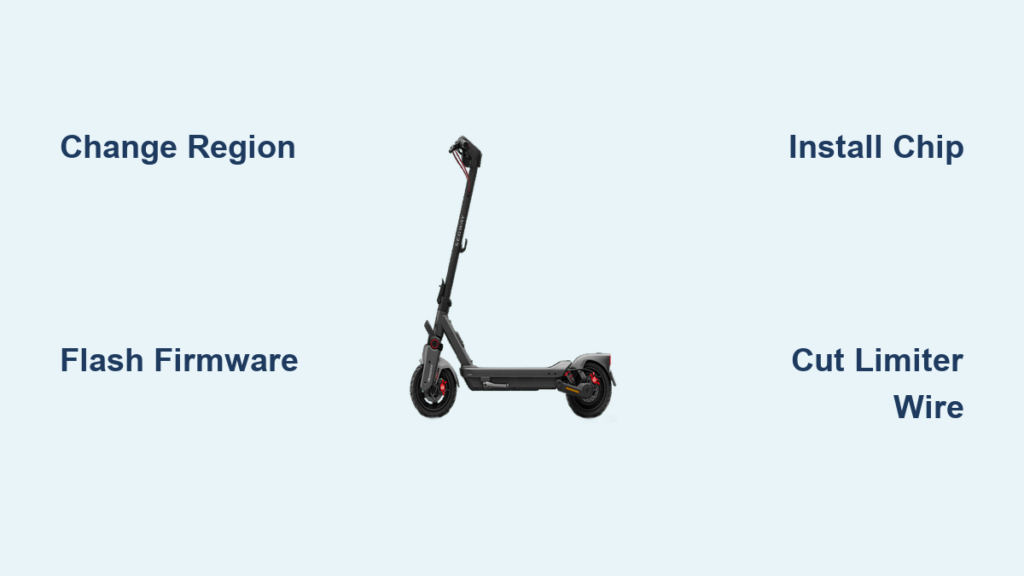
You bought your Ninebot scooter for convenience, but now you are wondering: Can I make it faster? You are not alone. Thousands of riders are tuning their Ninebot scooters to unlock higher speeds, smoother acceleration, and custom performance modes. The good news is yes, you can tune it, and there are multiple ways to do it, from simple Bluetooth hacks to hardware upgrades.
Tuning a Ninebot scooter means removing factory speed limits and customizing performance settings. Whether you are using a Ninebot Max, G30, F3, or GT3, this guide covers every method. You will learn which methods are reversible, which void your warranty, and which ones deliver stable, long-term results.
Unlock Speed via Region Change

One of the simplest ways to tune a Ninebot scooter is by changing the regional settings through the firmware. This method exploits regional speed limit differences encoded in the factory software.
Use XiaoFlasher for Max G30
Open the XiaoFlasher app on an Android phone and pair with your scooter via Bluetooth. Navigate to “Change Region” and select “US” to remove the EU 25 km/h cap. This boosts the Ninebot Max G30 to a stable 30 km/h.
The mod works reliably across all battery levels, from 100% down to about 10%. Acceleration and braking remain factory-smooth, making this one of the safest software-based upgrades available. No permanent changes are made, and the modification is fully reversible.
Note: This method does not work consistently on Xiaomi Pro models. While initial speed reaches 34 km/h, it drops to 26-27 km/h after just 10% battery use due to power regulation issues.
Flash Custom Firmware for Maximum Speed
For more aggressive tuning, you can install modified firmware to remove all limits and enable advanced features. This is a more permanent solution than region unlocking.
Install SHFW via ScooterHacking App
Download ScooterHacking Utility on an Android device, connect to your scooter, and go to the “Flash” tab. Select “INSTALL/UPDATE SHFW”, then choose “Regular-Base” and click “START FLASH”.
If successful, you will see “SHFW Installed.” Retry immediately if it fails, as most issues resolve on the second attempt.
Critical Warning: AT32 controllers work best for tuning. STM32 controllers overheat easily. If your scooter has STM32, upgrade wiring to MR60 connectors to prevent melted cables.
Once flashed, you can set top speed up to 34+ km/h, enable zero-start (no push needed), and adjust tire size to 9.3 for accurate GPS speed readings. Avoid official app updates, as they will overwrite your custom firmware.
Try the Free Bluetooth Assistant Hack
If you want to tune a Ninebot scooter without spending money, there is a free method using generic Bluetooth commands. This hack exploits legacy vulnerabilities in the system.
Enter Speed Code via App
Use any smartphone with the BluetoothAssistant app. First, find your scooter serial number (under the deck or in the app, usually starting with 02J). Pair via Bluetooth, tap “Right and Right” in the text input, and paste the speed unlock code 10-15 times, sending each individually. Close the app, power off the scooter, and restart.
The result is a speed jump to 35+ km/h, though performance varies with battery and rider weight.
Downsides: Expect a 15-25% range reduction. The hack may need reapplication after a full reset, and future firmware patches may block it entirely.
Install a Ninebot Tuning Chip

For stable performance without permanent firmware changes, consider a hardware mod. The tuning chip adds tunable performance while maintaining some reversibility.
Fit Chip on G30 Models
The tuning chip costs approximately $69.99 and installation takes 5-10 minutes.
Tools needed: T15 Torx screwdriver, Phillips screwdriver.
Steps:
• Update firmware to Master Control 1.8.1 via Ninebot app first
• Flip scooter and remove two T15 screws on rear cover
• Lift cover (adhesive-backed) and remove two Phillips screws holding the controller
• Disconnect battery and dashboard connectors by pressing the clip and pulling
• Plug tuning chip: large connector to battery-side port, small connector to dashboard-side port
• Reassemble and power on, wait 90 seconds for auto-configuration
• If boot fails, plug in charger for 5 seconds, then unplug and retry
Activation sequence (within 60 seconds of power-on):
• Press brake 8 times
• Press throttle 8 times
• Single beep confirms tuned mode is active
Speed reaches 35+ km/h with improved acceleration. Turn off and restart to return to stock mode.
Hardware Modifications for Permanent Gains
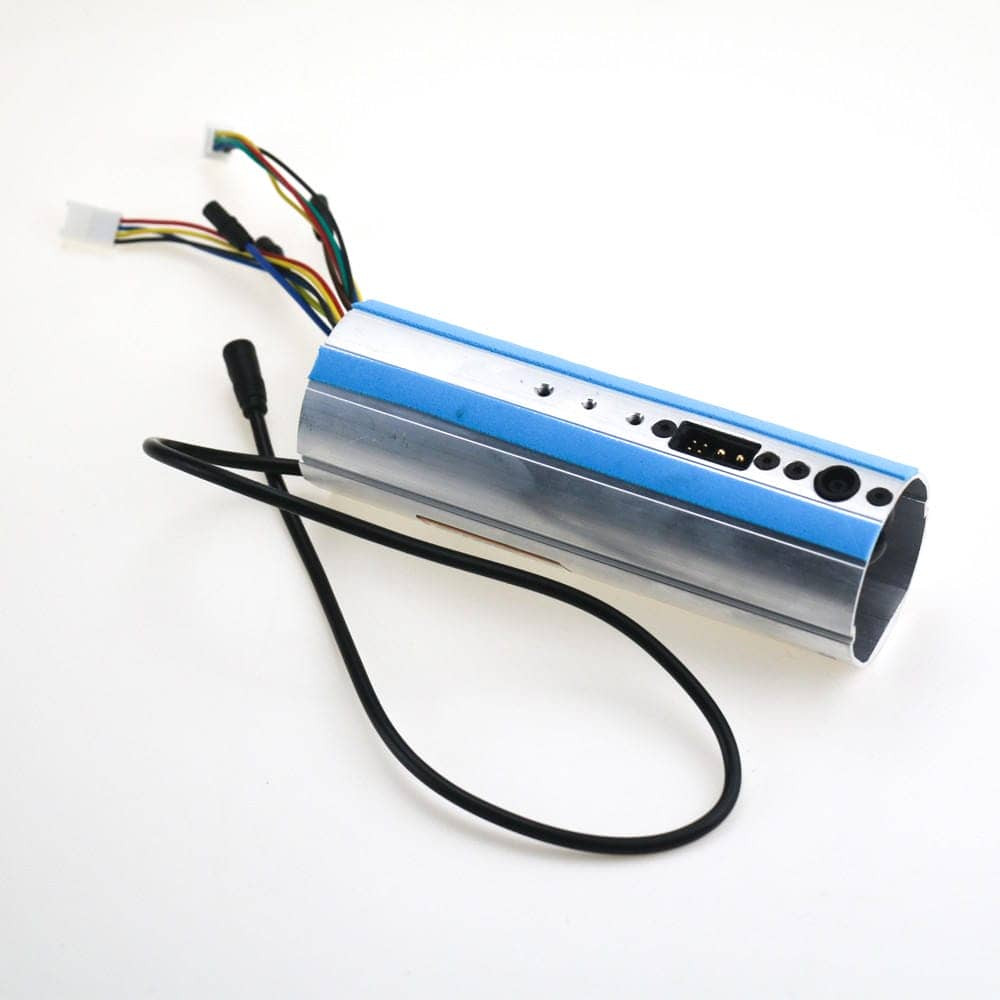
For those seeking permanent performance gains, physical changes to the scooter components offer the most aggressive results.
Cut Speed Limiter Wire
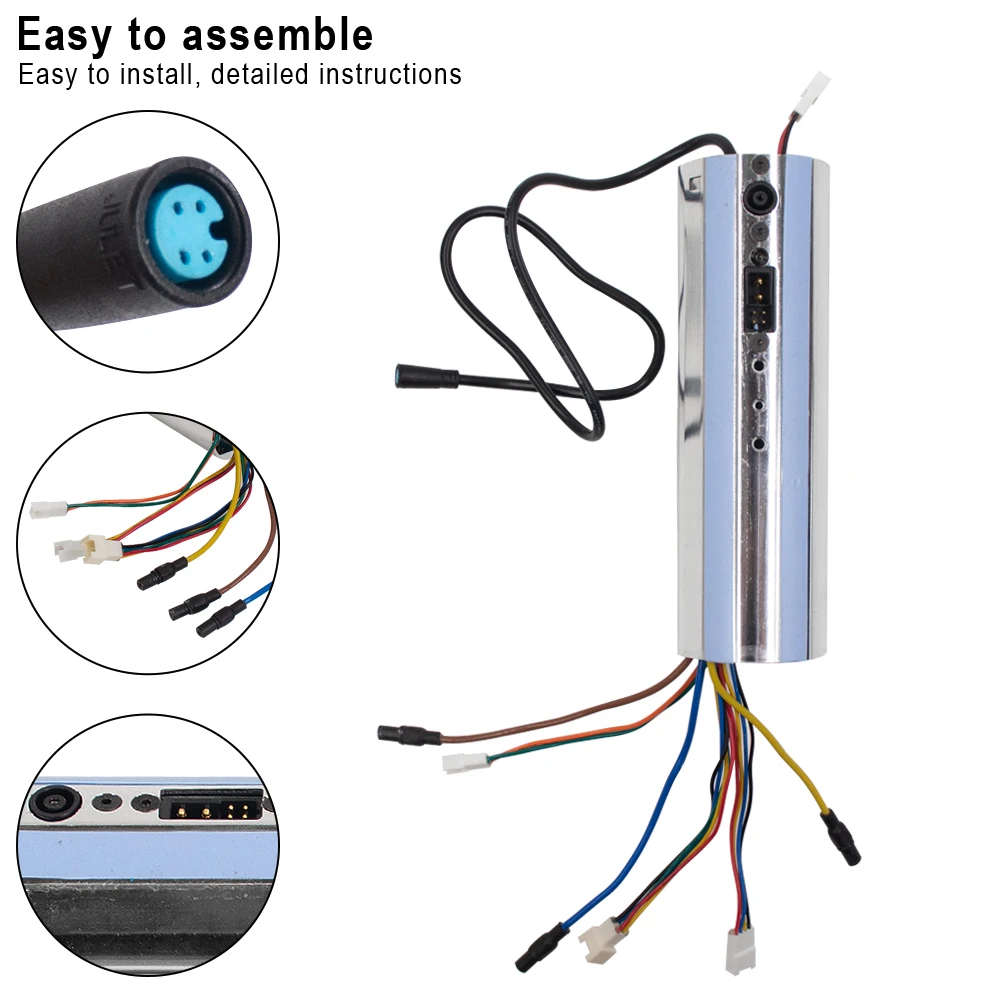
Open the deck, locate the SL (Speed Limiter) connection on the control board, and desolder the link. This permanently disables the factory speed cap.
High risk: One wrong move can fry the controller. Only attempt if you have soldering experience.
This method works on ES, ES2, ES4, and Max series. It is permanent, with no going back without repair.
Replace the Controller
Swap the stock controller with an unrestricted third-party unit. This removes all limits and provides stable high-speed performance. However, expect compatibility issues with dashboard, lights, or app. The cost is higher, and the warranty is completely voided.
Understand the Legal and Safety Risks
Tuning a Ninebot scooter is not just about speed. It involves real responsibility regarding legality and personal safety.
Warranty Is Void
Any modification, software or hardware, voids the manufacturer warranty. Breaking the battery connector seal or flashing custom firmware disqualifies you from service. Segway-Ninebot will not repair modded scooters, leaving you entirely responsible for any failures.
Legal Limits Vary by Region
• EU/UK/Australia: Maximum 25 km/h on public roads
• USA: Typically 30 km/h, varies by state
Riding a 35+ km/h scooter on public paths risks fines, confiscation, and classification as an unregistered motor vehicle. Use tuned mode only on private property or off-road.
Safety at Higher Speeds
Speed increases risk significantly. Stock components are not designed for 40+ km/h. At 30 km/h, stopping distance is about 5 meters. At 40 km/h, it jumps to over 10 meters. Stock brakes may not suffice.
Mandatory protective gear: Full-face helmet, knee and elbow pads, gloves, and armored jacket. Falls at 35+ km/h are serious.
Maintain Your Tuned Scooter
Keeping your modded scooter running smoothly requires specific maintenance practices.
Avoid Official App Updates
Never update firmware via the Segway-Ninebot app after tuning. It will overwrite custom firmware, disable tuning chips, and may potentially brick the system. If an update installs automatically, you may lose all modifications.
Monitor Battery Health
High-speed riding causes deep discharge cycles. Expect a 15-25% range drop immediately, with gradual battery degradation over time. Charge after every ride and avoid draining below 20%.
Fix Boot Issues After Chip Install
If the scooter will not start after chip installation, plug in the charger for 5 seconds, unplug, and try powering on again. This resets the boot sequence in most cases.
Customize Your Riding Experience
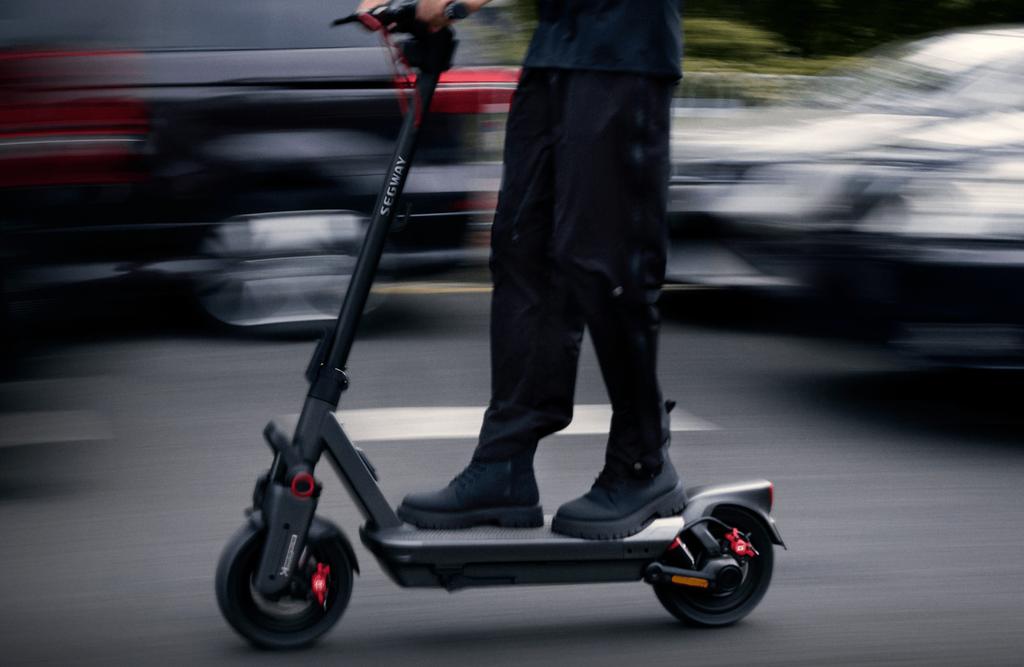
Tuning is not just about speed. It offers control over your entire riding experience.
Use Panic Mode
Available in some tuning methods, Panic Mode lets you instantly revert to stock speed with a button press or brake sequence. This is essential for avoiding detection, navigating crowded areas, or emergency slowdowns.
Enable Cruise Control
Set custom cruise speeds per profile. Stock mode should keep cruise off for safety, while tuned mode can enable cruise on for comfort at 35+ km/h. This improves ride quality on long stretches.
Control Lights and Feedback
On supported models like GT3 and ZT3, you can link light bars to tuned mode, activate underglow only when unlocked, and enable acoustic feedback for activation confirmation.
Frequently Asked Questions About Tuning Ninebot Scooters
Is tuning a Ninebot scooter legal?
Tuning itself is not illegal, but riding a modified scooter on public roads often violates local speed limits. In the EU, UK, and Australia, public roads are typically limited to 25 km/h. In the USA, limits vary by state but are usually around 30 km/h. Always use tuned mode on private property only.
Does tuning void the Ninebot warranty?
Yes. Any software or hardware modification voids the manufacturer warranty completely. This includes flashing custom firmware, installing tuning chips, or breaking any seals during installation.
What is the safest method to tune a Ninebot scooter?
The XiaoFlasher region change method is generally considered the safest and most reversible. It does not permanently modify firmware and maintains stable performance across battery levels. The Ninebot Max G30 reaches 30 km/h reliably.
Can I revert my scooter to stock after tuning?
It depends on the method. Region unlocking and Bluetooth hacks are easily reversible. Tuning chips can be deactivated by restarting the scooter. Custom firmware flashing and hardware modifications like cutting the speed limiter wire are permanent and require repair to reverse.
How much speed can I gain from tuning?
Results vary by model and method. The Ninebot Max G30 reaches 30 km/h with region unlocking or 35+ km/h with a tuning chip. The GT3 can reach up to 50 km/h with browser-based tuning when available. Most methods achieve 35+ km/h on standard models.
Will tuning damage my scooter?
There is always risk. Higher speeds put additional stress on motors, batteries, and controllers. STM32 controllers are particularly prone to overheating. Battery health degrades faster with high-speed riding. Proper maintenance and protective gear reduce but do not eliminate these risks.
Key Takeaways for Tuning Your Ninebot Scooter
Tuning a Ninebot scooter opens up significant performance potential, but it requires careful consideration of the trade-offs involved. Software methods like XiaoFlasher and ScooterHacking Utility offer accessible entry points with reasonable results, while hardware modifications like tuning chips provide more stable, long-term performance gains. The NBT Unlock Key remains the gold standard when active, offering seamless switching between legal and high-performance modes.
Remember that every modification comes with consequences. You will void your warranty, potentially break local laws if riding on public roads, and increase your accident risk significantly. Software methods are generally safer and more reversible, while hardware mods offer permanence at the cost of irreversibility.
Use tuning responsibly. Stick to private property or off-road trails, wear full protective gear at all times, and never update the official app after modifying your scooter. With the right approach, your Ninebot can transform from a practical commuter to a high-performance machine that meets your exact specifications.



