
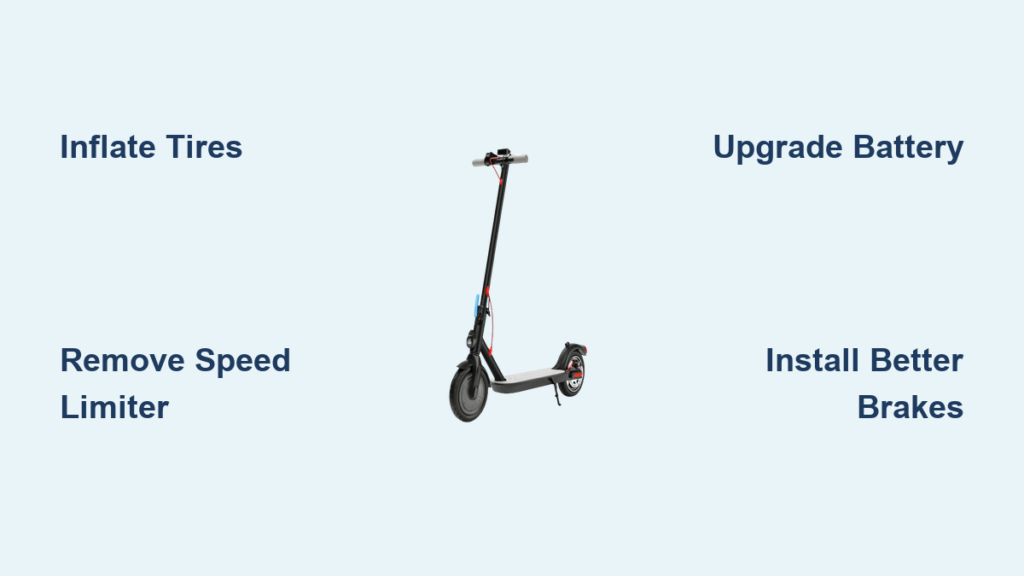
You’re not alone if your scooter feels sluggish or capped at a speed that just doesn’t cut it anymore. Whether you’re dodging traffic, commuting faster, or just craving more thrill, making a scooter faster is a common goal, especially with electric models that often come with artificial speed limits. The good news is there are proven ways to boost performance, from simple maintenance tweaks to full hardware overhauls. This guide covers every effective method so you can unlock more speed without blowing up your scooter or breaking the law.
Most scooters, especially budget and mid-tier electric models like the Xiaomi M365 or Ninebot F2 Plus, are intentionally limited to 15.5 mph (25 km/h) for legal compliance. But beneath that software cap lies untapped potential. With the right adjustments, many riders gain 5-10 mph in real-world performance. This article covers everything from free maintenance fixes to advanced hardware swaps. You’ll learn how to safely remove speed limiters, upgrade key components, and avoid common pitfalls.
Optimize Tire Pressure and Wheel Size
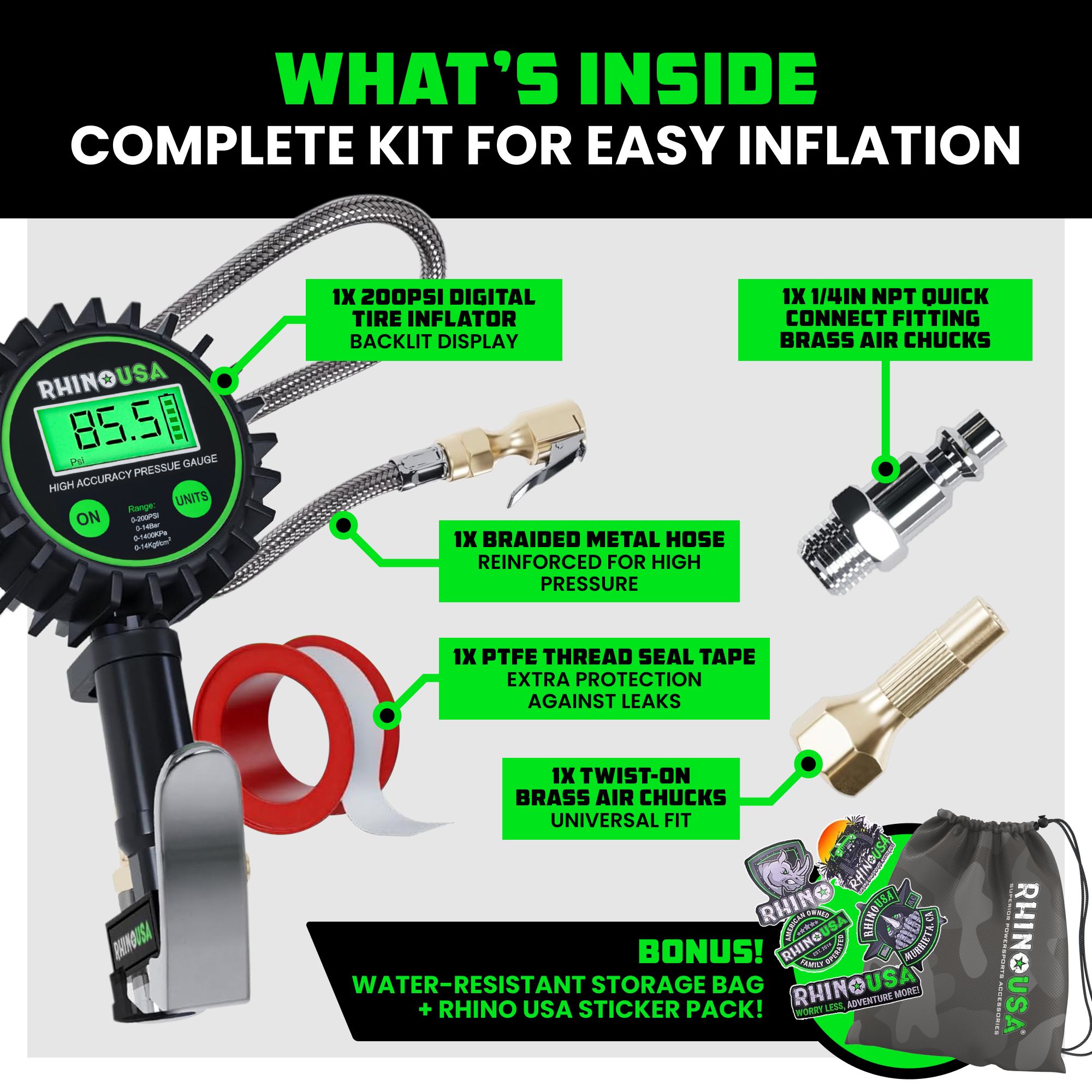
Maximizing speed starts with reducing rolling resistance. Tires are the first place to look, as underinflated or high-drag tires can sap up to 20% of your scooter’s performance.
Inflate to Manufacturer PSI
Check your scooter’s manual or tire sidewall for the recommended PSI. Most 8-10 inch pneumatic tires perform best between 60-80 PSI. Underinflated tires increase rolling resistance, making the motor work harder and slowing acceleration. Use a digital pressure gauge for accuracy. Inflate weekly if you ride daily, especially in changing temperatures.
Switch to Low-Resistance Tires
Knobby or off-road tires look aggressive but create drag on pavement. Replacing them with slick or semi-slick road tires reduces friction and improves top speed. Look for tires labeled low rolling resistance or commuter-grade. Some riders upgrade to 10 inch or 12 inch wheels for a larger rollout per motor revolution, which directly increases top speed.
Avoid Common Tire Mistakes
Never exceed the max PSI on the tire. Overinflation reduces traction and increases the risk of blowouts at high speeds. Also, mismatched tire sizes or pressures between front and rear wheels can cause instability. Always replace tires in pairs and balance pressure precisely.
Reduce Weight for Better Acceleration
Less mass means less energy needed to move. Even small weight reductions improve acceleration and hill climbing noticeably.
Remove Unnecessary Accessories
Take off phone mounts, bags, lights, or locks you don’t use daily. These extras add up, sometimes over 5 lbs. If your scooter has a seat, remove it if you don’t need it. Every pound counts when the motor is fighting inertia.
Upgrade to Lightweight Components
Swap heavy stock parts with carbon fiber, aluminum, or titanium alternatives. Common upgrades include handlebar stems, fenders, battery casings, and rims on high-end models. While expensive, these changes improve power-to-weight ratio, especially noticeable in stop-and-go riding.
Mind Rider and Cargo Load
Two riders or heavy backpacks dramatically reduce speed. For maximum performance, ride solo and light. If you regularly carry gear, consider a scooter built for higher payloads instead of modifying a lightweight model.
Fix Mechanical Drag and Friction
Even a perfectly tuned motor cannot overcome internal resistance. Mechanical drag silently kills speed if left unchecked.
Lubricate Wheel and Motor Bearings
Dry or dirty bearings create friction. Remove wheels and clean bearings with degreaser, then re-lubricate with lightweight grease. Spin each wheel by hand. Smooth, long rotation means low drag. If bearings are pitted or noisy, replace them.
Adjust Brakes to Prevent Drag
A slightly rubbing brake pad acts like a constant brake. For disc brakes, loosen caliper bolts, squeeze the brake lever, and retighten to center the caliper. For drum brakes, adjust the cable tension so the brake releases fully. Test by spinning the wheel. No contact should occur.
Align Wheels and Check Chain Tension
Misaligned wheels increase rolling resistance. Visually inspect that front and rear wheels are parallel. For geared scooters, ensure the chain is tight but not over-tensioned. A loose chain slips. A too-tight chain wears out drivetrain parts and drains power.
Unlock Speed via Firmware Hacks
Software limits are the number one reason scooters feel slow. Removing them is often the fastest way to gain speed without hardware changes.
Remove Speed Limiter on Xiaomi Scooters
Many Xiaomi models like the M365 and Mi2 Pro are capped at 25 km/h. You can unlock up to 35 km/h with a simple firmware flash using the Scooter Hacking Utility app.
Use Scooter Hacking Utility App
First, download the Scooter Hacking Utility app on Android. Turn on your scooter and open the app. Tap your model twice to pair. Go to Flash Folder and select Load from File. Choose the scooter_hacking_unlocked firmware file. Click Done and wait 20 seconds for the flash to complete. After flashing, your scooter will hit 32-35 km/h depending on the model. Note that this voids your warranty and may be illegal on public roads.
Unlock Ninebot F2 Plus with SA Dash
The Ninebot F2 Plus can be boosted to 30 km/h using the SA Dash app. Install SA Dash from Google Play. Close the official Segway-Ninebot app completely because it can overwrite changes. Open SA Dash and wait for connection. Go to Basic Settings. Enable Unlock Higher Speed. Switch to Sport Mode to activate the boost. Changes are permanent unless you reset firmware via the official app.
Risks of Firmware Modifications
Warranty void is a major concern. Manufacturers detect tampering and will deny coverage. Legal issues also arise because exceeding local speed limits often 15.5 mph can result in fines. Safety mismatch is another risk. Brakes and frame may not handle higher speeds. Lastly, app conflicts mean reopening the original app may revert changes.
Upgrade Battery for Higher Voltage
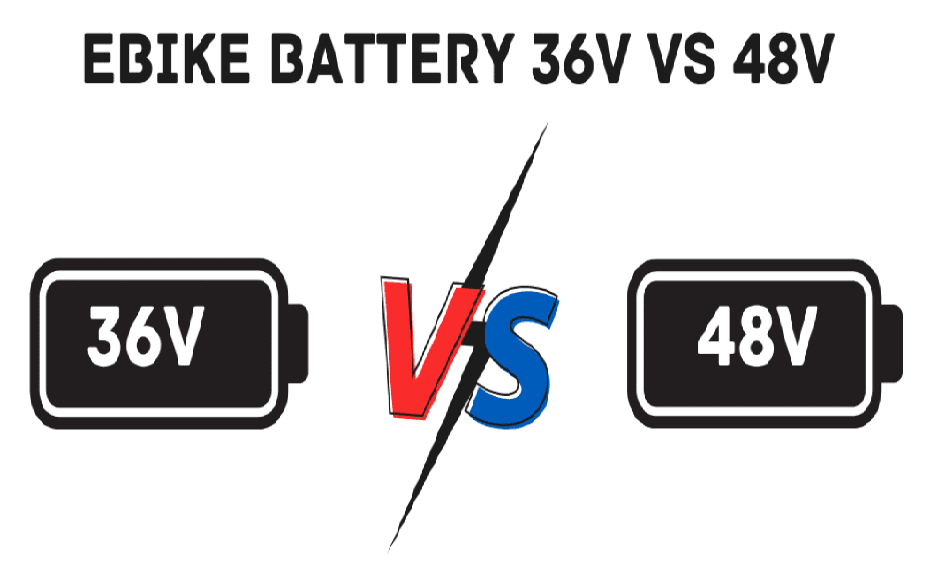
Voltage directly controls motor RPM. More volts mean higher top speed, making this one of the most effective hardware upgrades.
Increase System Voltage
Upgrade from 36V to 48V or 60V for a dramatic speed boost. A 36V to 48V upgrade yields roughly 20-30% speed increase. A 48V to 60V upgrade adds another 15-25%. Higher voltage forces the motor to spin faster, increasing top speed even if wattage stays the same.
Match Battery to Motor and Controller
Your controller and motor must support the new voltage. A 36V controller on a 48V battery will likely fry. Always upgrade the controller when increasing voltage. Use a BMS Battery Management System rated for the new voltage and current.
Choose High-Capacity Packs
A 13Ah or 15Ah battery sustains power under load, preventing voltage sag on hills or during acceleration. This keeps speed consistent, especially at higher speeds where energy demand spikes.
Install a More Powerful Motor

More wattage equals more power. Upgrading the motor is the most direct way to increase both speed and hill-climbing ability.
Swap to a Higher-Wattage Motor
Replace a 250W or 500W motor with an 800W or 1000W unit. Higher wattage improves both acceleration and top speed, especially when paired with a higher-voltage battery. Brushless motors are preferred. They are more efficient, quieter, and handle heat better than brushed motors.
Compatibility Is Key
Ensure the new motor fits your scooter’s frame and mounting points. It must match wheel size, specifically hub motor diameter. It must also work with your battery voltage and controller current. Always verify these specifications before purchasing.
Dual Motor Conversions
For extreme speed, install a second motor on the front or rear. Dual-motor setups like 2x 1000W deliver massive torque and top speeds over 40 mph. However, they require dual controllers or a dual-channel controller, reinforced frame, and upgraded brakes. These builds are popular on custom scooters like Dualtron or Kaabo models.
Replace the Controller for Better Power Flow

The stock controller often bottlenecks performance. Upgrading it unlocks the full potential of new motors and batteries.
Choose a High-Current Controller
Stock controllers often max out at 20-30A. Upgrade to a 40A-60A unit to deliver more power to the motor. Look for controllers with MOSFET transistors for efficiency, thermal protection, adjustable speed limits, and regenerative braking.
Match Controller to System Specs
Your new controller must be rated for battery voltage like 48V or 60V, motor phase current, and throttle type. Misconfiguration can cause instant failure. Use a multimeter to verify connections before powering up.
Install with Proper Wiring
Use thick-gauge wires like 12-14 AWG to handle increased current. Solder connections and seal with heat shrink. Route wires away from heat sources and moving parts. Test in short bursts first to check for overheating.
Modify Gear Ratio for Top Speed
On gas scooters or geared electric models, changing sprockets alters top speed and acceleration.
Use Larger Front or Smaller Rear Sprocket
To increase top speed, use a larger front sprocket or smaller rear sprocket. This creates a taller gear ratio, allowing the wheel to spin more per engine revolution. However, it reduces low-end torque, making acceleration slower.
Avoid Overgearing
Too tall a ratio strains the engine, especially on hills. The motor may not reach its power band, resulting in poor performance. Aim for a balance. Test different sprocket combinations to find the sweet spot.
Maintain Chain and Lubrication
A dry or loose chain wastes power. Lubricate weekly with scooter-specific chain lube. Check tension monthly. The chain should have about 1 inch of vertical play.
Upgrade Gas Scooter Engine Components
For gas-powered scooters, engine tuning unlocks hidden performance beyond electric modifications.
Install Performance Exhaust
Replace the stock muffler with a slip-on performance exhaust. This reduces backpressure, allowing the engine to breathe better and produce more power at high RPMs. Expect 5-10% speed gains from this simple swap.
Tune the Carburetor
A poorly adjusted carburetor starves the engine of fuel or air. Clean it first, then adjust the air-fuel mixture screw. Turn clockwise to lean, which means less fuel. Turn counterclockwise to richen, which means more fuel. Aim for smooth idle and strong acceleration.
Upgrade Air and Fuel Systems
Install a high-flow air filter to increase airflow. Clean or replace the fuel filter. Use higher-octane fuel like 91+ octane if your engine compression allows. It resists pre-ignition under load.
Replace Spark Plug
A worn spark plug causes misfires. Install a high-performance plug like NGK Iridium for cleaner, more consistent combustion.
Improve Cooling to Prevent Throttling
High speeds generate significant heat. Without adequate cooling, your scooter will throttle power to protect components.
Add Controller and Motor Cooling
Install small 12V cooling fans on the controller and motor housing. Position fans to blow air over heat sinks. For extreme builds, use heatsinks with thermal paste for better heat dissipation.
Avoid Overheating on Long Rides
Do not ride at full throttle for extended periods. Take breaks every 10-15 minutes to let components cool. Watch for error codes or power drops. These signal thermal throttling.
Monitor Temperature
Use an infrared thermometer to check motor and controller temps. Stay below 150°F or 65°C for long-term reliability. Above 185°F or 85°C, components degrade quickly.
Upgrade Brakes and Suspension for Safety

Faster speeds demand better stopping power and stability. Never increase speed without upgrading these critical systems.
Install Hydraulic Disc Brakes
Stock mechanical discs or drum brakes may not stop you safely at 30+ mph. Upgrade to hydraulic disc brakes for stronger, more consistent stopping. Dual hydraulic brakes, front and rear, are ideal for high-speed riding.
Add Suspension for Control
Hardtail scooters vibrate violently at high speeds. Upgrade to dual suspension with front fork and rear shock to absorb bumps and maintain traction. This is essential for off-road or uneven pavement riding.
Wear Full Protective Gear
At high speeds, falls are more dangerous. Always wear a full-face helmet, knee and elbow pads, gloves, and durable jacket and pants. Speed without safety is reckless.
Key Takeaways for Making Your Scooter Faster
Making a scooter faster is achievable at every level, from free maintenance tweaks to full custom builds. Start with tire pressure, weight reduction, and firmware hacks for quick gains that won’t break the bank. For serious speed, upgrade the battery, motor, and controller in sync, ensuring all components are compatible. Always prioritize safety by upgrading brakes, adding suspension, and wearing protective gear. Respect local laws. Modifications that exceed speed limits may render your scooter illegal for public road use. If modifications feel too risky, consider high-performance models like the Dualtron Thunder or EFGBIKE ES09, built for 40-50+ mph out of the box. Speed is thrilling, but control is everything.
Frequently Asked Questions About Making a Scooter Faster
Is it legal to modify my scooter to go faster?
Legal status depends on your location. Many jurisdictions cap electric scooters at 15.5 mph or 25 km/h. Removing speed limiters or making hardware upgrades that exceed these limits can result in fines or confiscation. Always check local regulations before modifying your scooter.
Will voiding my warranty matter for speed upgrades?
Firmware hacks like flashing custom firmware or using apps like SA Dash almost universally void manufacturer warranties. Hardware swaps, including motor, battery, and controller upgrades, also void warranties on electrical systems. Consider whether the speed gain is worth losing warranty coverage.
How much speed can I gain from tire upgrades alone?
Proper tire inflation and switching to low-resistance tires can restore 5-10% of lost speed. Underinflated tires create significant drag, and replacing knobby off-road tires with slick road tires reduces rolling resistance considerably.
What is the safest way to increase scooter speed?
The safest approach combines maintenance optimizations like tire pressure and bearing lubrication with firmware unlocks on scooters designed for higher speeds. Always upgrade brakes and suspension before pushing speed higher. Wear protective gear every time you ride.
Can I damage my scooter by upgrading the battery voltage?
Yes, increasing voltage without upgrading the controller and verifying motor compatibility can cause immediate failure. A 36V controller on a 48V battery will likely fry. Always ensure all components are rated for the new voltage before making changes.
How do I know if my scooter is overheating?
Watch for error codes or sudden power drops during riding. Use an infrared thermometer to check motor and controller temperatures. Stay below 150°F for reliable operation. If components feel hot to the touch, take a break and let them cool.



