
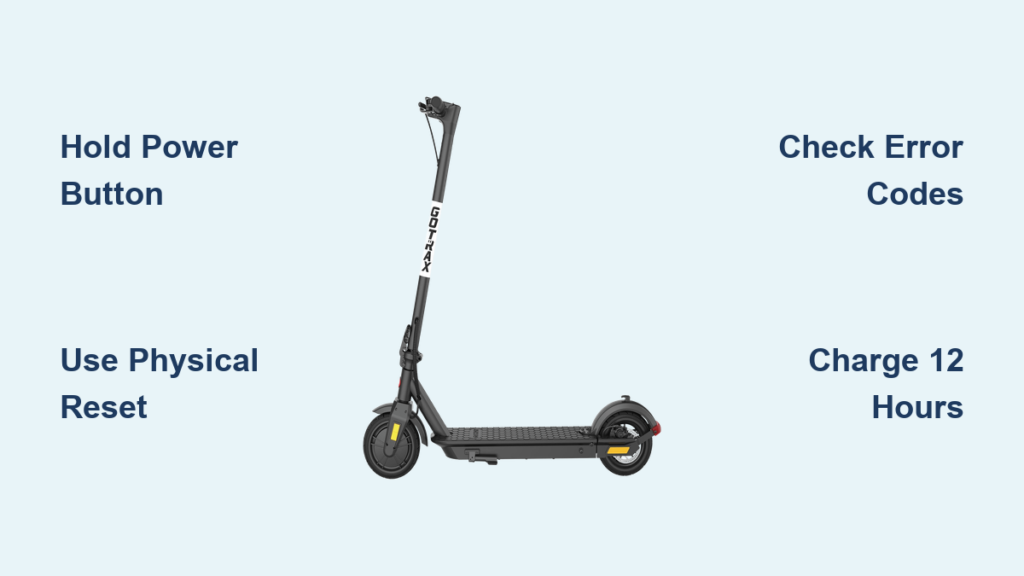
Is your GoTrax scooter unresponsive, stuck on an error code, or failing to power on? Many riders encounter glitches that make their scooters seem broken when a simple reset can restore full function. Whether you own a GXL V2, Apex, XR Ultra, or G4, knowing how to reset GoTrax scooter properly is the fastest way to fix boot issues, frozen displays, and sensor errors.
This guide walks you through both software and hardware reset methods, explains what to do when error codes appear, and reveals critical troubleshooting steps most riders miss. By the end, you will know exactly how to reboot your scooter, recover a dead battery, and reset security codes.
Perform a Power Button Reset

The most common fix for a non-responsive GoTrax scooter is the power button hard reset. This clears temporary software glitches and resets the controller without needing tools.
Hold Power Button for 5 to 10 Seconds
Press and hold the main power button for 5 to 10 seconds while the scooter is off. Do not tap it. Hold it down continuously. On models like the G2, G3, G4, and Apex, you will often see the LED lights flash briefly, signaling the system is rebooting.
Keep holding until the lights stop flashing, which usually occurs around 7 seconds. This forces the onboard computer to shut down completely and clear any cached errors.
Reboot After Reset
Release the button, wait 3 seconds, then press the power button normally. The display should light up cleanly. If it does, the reset worked. If not, move to the physical reset method.
Use the Physical Reset Button

If the power button reset fails, your model may require a hardware reset using the physical reset button. This is especially true for XR Ultra, G5, and G6 models.
Locate the Red Reset Button
Look for a small, recessed red button near the charging port or on the battery pack. It is often hidden in a tiny hole to prevent accidental presses. Models like the XR Elite and GMAX place it beside the charging inlet under the stem.
Press and Hold for 3 Seconds
Insert a paperclip and press the button firmly. Hold for exactly 3 seconds, no more, no less. This triggers a deep system reboot. Immediately after releasing, press the main power button to turn the scooter on.
Fix Common Error Codes

After a reset, if your scooter displays an error code, do not ride it. These codes indicate specific hardware faults.
Vibe, GXL V2, and Apex Error Codes
| Code | Meaning | Fix |
|---|---|---|
| E1 | Communication failure | Clean console-battery connector or replace console |
| E2 | Brake lever fault | Clean connector or replace console |
| E3 | Handlebar issue | Clean connection or replace console |
| E4 | Motor failure | Replace motor wheel |
| E5 | Controller failure | Replace controller or unit |
XR Ultra and XR Elite Error Codes
| Code | Meaning | Fix |
|---|---|---|
| 21E | Controller fault | Replace console |
| 22E | Handlebar failure | Replace console |
| 23E | Motor fault | Replace motor assembly |
| 25E | Brake lever issue | Replace console |
| 30E | Communication error | Replace console |
G5 and G6 Advanced Diagnostics
These models give precise failure points. E0 requires replacing controller, console, and wiring together. E1 and E5 start with the controller, then motor if unresolved. E4, E6, E7, and E8 begin with controller or battery since overcurrent and voltage errors often stem from BMS failure.
E7 undervoltage and E8 overvoltage usually mean a failing battery. If a 12-hour charge does not help, the battery pack likely needs replacement.
Recover a Dead Battery
If your scooter will not power on and the charger light does not turn on, the battery may be in deep discharge protection mode.
Charge for 12 Hours Straight
Plug in the original GoTrax charger and leave it connected for 12 hours, even if no light appears. The battery management system needs time to trickle-charge the cells back to a safe voltage. Do not unplug it early. This process can take 6 to 12 hours before the indicator lights up.
Clean the Charging Port
Dust or corrosion in the port can break the connection. Use a dry toothbrush or compressed air to clean it. Avoid liquids that can damage internal circuits.
Verify the Charger
Use only the original GoTrax charger. Third-party chargers can deliver incorrect voltage, causing permanent damage. Test the charger output with a multimeter if possible, or try it on another GoTrax device.
Reset G4 Security Code
The GoTrax G4 has a keypad lock feature. If you are setting a new code and it will not save, follow this exact sequence.
Enter New Code Correctly
- Power on and enter default code 000.
- Press and hold the lock button for 3 to 5 seconds until it beeps or flashes.
- Enter the first digit of your new code.
- Press the lock button to confirm that digit.
- Repeat for the second and third digits, pressing lock after each one.
- Press lock one final time to save.
Troubleshoot Code Issues
Clean the keypad since dirt can block button presses. Wait between inputs and allow a half-second pause after each digit. Power cycle first by turning off, waiting 30 seconds, then retrying. Check firmware since outdated firmware can cause input bugs.
Pre-Reset Checks You Must Do
Before resetting, rule out simple issues that mimic system failure.
Check Battery Charge Level
A deeply drained battery can prevent boot-up. Plug in the charger and wait. Standard charge time is 4 to 8 hours. If the scooter has been stored for weeks, it may need the 12-hour deep charge.
Inspect Brake Levers
If a brake lever is stuck or engaged, the scooter may show E2, E3, or E5 errors. Make sure both levers return fully when released. Clean any debris around the lever mechanism.
Inflate Tires Properly
While not a reset issue, under-inflated tires increase motor load and can trigger overheating or motor errors over time.
When to Contact Support
If resets, charging, and cleaning do not work, the issue is likely hardware-related, such as a dead controller, burnt motor, or failed battery cell.
Call GoTrax Customer Service
Phone: 844-446-8729
Hours: Monday through Friday, 9 AM to 5 PM Central Time
Have your serial number ready. It is required for warranty claims and troubleshooting.
Know What Is Covered
GoTrax offers a Limited Warranty on scooters, bikes, and hoverboards. It covers manufacturing defects but not damage from misuse. Support may ask if you used the original charger, if you have tried a 12-hour charge, and what error codes appear.
Frequently Asked Questions About Resetting GoTrax Scooters
How do I hard reset my GoTrax scooter?
Press and hold the power button for 5 to 10 seconds until the LED lights flash. Release and wait 3 seconds, then press power normally to reboot. This clears temporary software glitches.
Where is the physical reset button on my GoTrax scooter?
The red reset button is typically located near the charging port or on the battery pack. It is recessed in a small hole and requires a paperclip or pin to press.
Why does my GoTrax scooter show an error code after resetting?
Error codes indicate specific hardware faults. E1 through E5 on older models mean communication, brake, handlebar, motor, or controller failures. Consult your model-specific error code table to determine the required fix.
How long should I charge a dead GoTrax battery?
Leave the charger connected for 12 hours if the battery is completely dead. The battery management system needs time to restore cells to a safe voltage before normal charging begins.
Why will my G4 security code not save?
You must press the lock button after every single digit when entering a new code. Skipping this step is the number one reason codes fail to save.
What should I do if my GoTrax scooter still will not turn on after resetting?
Try the 12-hour deep charge, check the charging port for debris, verify you are using the original charger, and inspect brake levers for stuck conditions. If all else fails, contact GoTrax customer service at 844-446-8729.
Final Reset Checklist for GoTrax Scooters
Use this quick-reference list when your GoTrax scooter will not start.
Charge for 12 hours if the battery is dead. Perform the power button reset holding for 5 to 10 seconds. Try the physical reset button holding for 3 seconds with a paperclip. Clean the charging port with a dry toothbrush. Check for stuck brake levers. Look for error codes and diagnose accordingly. For G4 models, reset the security code with lock-button confirmation after each digit. Contact support if all else fails.
Resetting your GoTrax scooter is not guesswork. It is a structured process. Start with the power button reset, escalate to the physical button if needed, and always rule out battery and connection issues first. Most broken scooters are just stuck in a software loop or deep discharge mode. With the right steps, you can get back riding in minutes, not days. Keep this guide handy and share it with fellow riders who think their scooter is beyond repair.



