
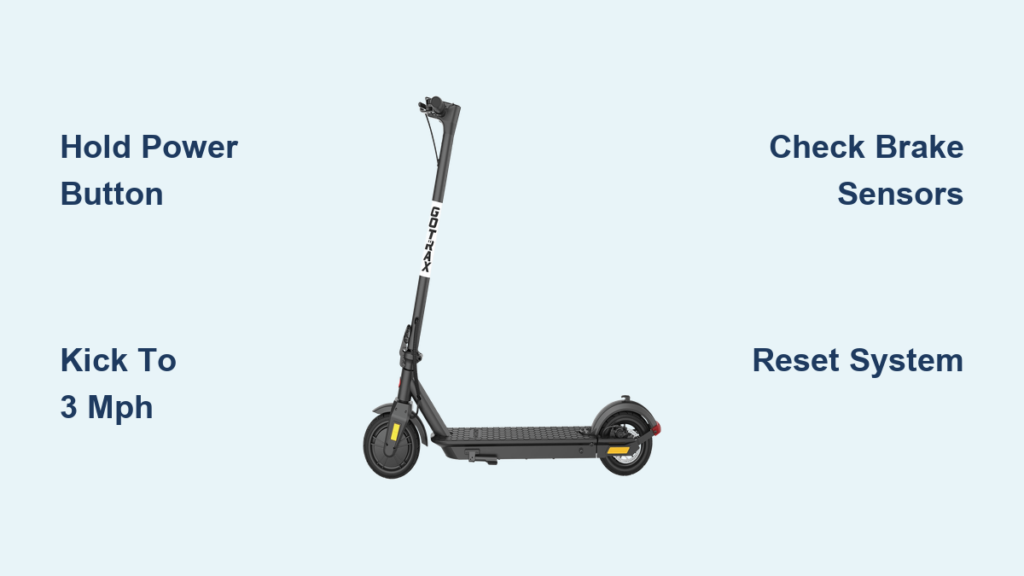
You’ve unboxed your new GOTRAX electric scooter and are ready to ride, but it won’t start when you press the throttle. You’re not alone. Most riders encounter confusion right out of the gate because GOTRAX scooters don’t start like traditional vehicles. They use a two-step process: powering on the system and then engaging the motor through a kick-to-start safety feature. This guide cuts through the confusion with clear, model-specific instructions so you can start your GOTRAX scooter safely and confidently every time.
In this guide, you’ll learn exactly how to power on your model, why kicking is required before acceleration, and what to do if your scooter won’t respond. We’ll also cover pre-ride checks, troubleshooting common startup issues, and best practices for your first ride. Whether you own a GXL V2, G4, Apex, or XR series, this is everything you need to get rolling.
Power On the Scooter Correctly
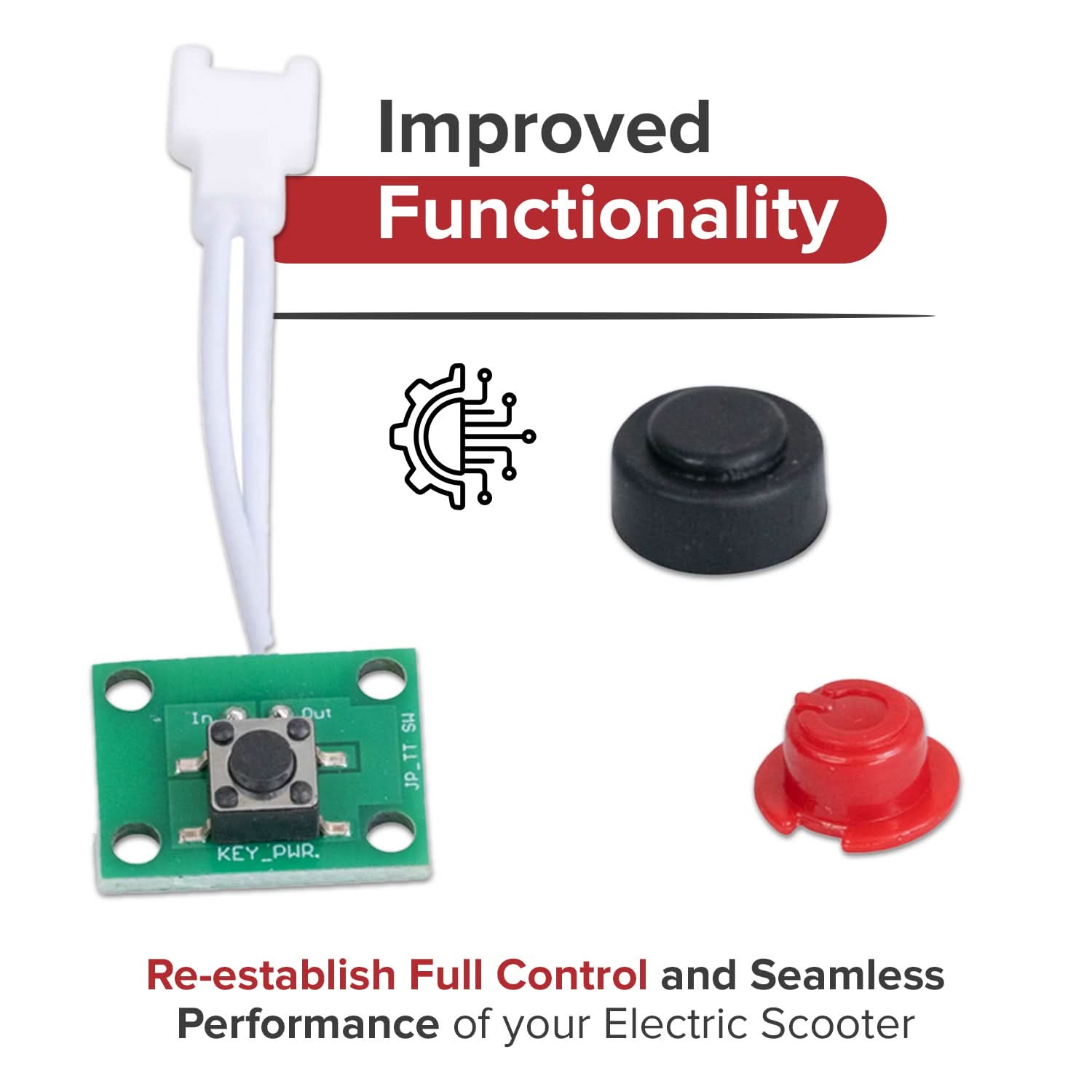
Before you can ride, you must properly activate the electrical system. Many riders mistake a quick tap of the power button for activation, but that won’t work. The scooter needs a long press to boot up.
Locate Your Power Button
The power button location varies by model. On GXL and Apex or XR series, it’s on the right handlebar grip near the throttle. On the G4 series, it’s integrated into the center of the LCD display. For G-series models like G2, G3, and G MAX, check the handlebar or stem area. Look for the power symbol or “POWER” label.
Hold Button for 3 to 5 Seconds
Place the scooter on a flat, stable surface. Press and hold the power button for 3 to 5 seconds. Wait for confirmation such as the display lighting up showing battery level and “0.0” mph, the headlight turning on, or an audible beep on Apex and XR series models.
Pro Tip: Use a slow count like “one-Mississippi, two-Mississippi” to ensure you hold long enough. If nothing happens, check if the battery is charged. A completely drained battery may prevent startup.
Activate Motor With Kick-to-Start
Turning on the power is only half the battle. The motor won’t engage until you kick-start the scooter to about 3 mph. This safety feature prevents sudden acceleration when stationary, a common cause of falls among beginners.
Why Kick-to-Start Is Required
The kick-to-start feature prevents accidental throttle activation and ensures rider balance before motor engagement. This is firmware-enforced across all GOTRAX models and cannot be disabled without voiding your warranty.
Step-by-Step Kick-to-Start Process
Stand ready with one foot on the deck and one on the ground with the throttle released. Push off and kick 2 to 3 times to reach approximately 3 mph, which is a brisk walking pace. Once rolling steadily, place your kicking foot onto the deck. Then engage the throttle by gently pressing the thumb-lever on GXL and Apex models or twisting the grip slightly forward on the G4.
Common mistakes include holding the throttle while kicking, kicking too slowly without reaching the 3 mph threshold, and trying to start on a hill where it’s harder to build momentum. After stopping, if speed drops below 3 mph, you must kick again to re-engage the motor.
Model-Specific Startup Instructions
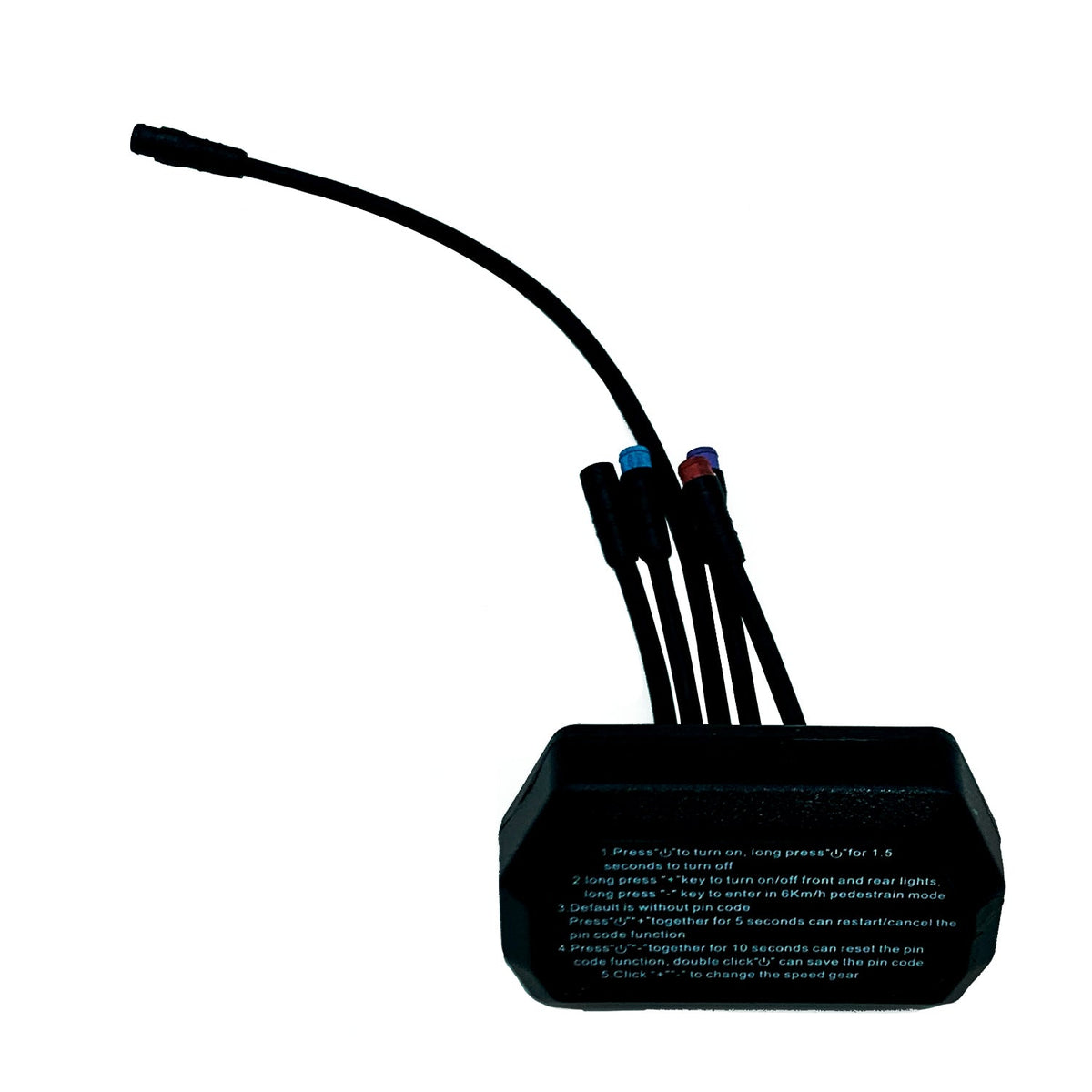
While all GOTRAX scooters follow the same core startup logic, interface differences matter.
GXL V2 and GXL Commuting
The power button is located on the right handlebar or display. Hold the power button for 3 seconds until the LED lights up. Kick to 3 mph and press the thumb throttle. Use the MODE button to cycle through Eco, Standard, and Sport speed modes. The headlight turns on automatically at power-on.
GOTRAX G4
The power button is integrated into the LCD display. Long-press the display button for 3 to 5 seconds until the LCD powers on and shows the self-check displaying “0.0” mph. Kick to 3 mph and twist the grip to accelerate. This model includes a USB charging port and automatic headlight and brake light activation.
Apex and XR Series
The power button is on the right handlebar. Hold power for 3 seconds until you hear a beep and the display activates. Kick to 3 mph and engage the thumb throttle. Hold the throttle for 5 seconds to activate cruise control. These models feature dual braking systems for enhanced safety on hills.
G-Series (G2, G3, G MAX)
Power button location varies by model, so check your handlebar or display area. Hold power for 3 to 5 seconds and watch for display or light activation. Follow the standard kick-to-start process and apply the throttle. Older G-series models may have slight interface variations.
Pre-Ride Safety Checklist

Never skip inspection. A quick check prevents accidents and failed startups.
Check Battery Level
Charge to at least 25 to 30 percent before your first ride. Full charge takes 3 to 4 hours. If the scooter won’t turn on, plug in and charge fully. A fully charged 36V battery reads approximately 42V on a multimeter. Low voltage disables the motor even if the display shows charge.
Inspect Tires
For pneumatic air-filled tires, inflate to 40 to 50 PSI. For solid tires, look for cracks or wear. Under-inflated tires make kick-starting harder and reduce range. Use a bike pump with a pressure gauge monthly.
Test Brakes
Squeeze both levers and they should engage smoothly. Listen for grinding which indicates wear. Ensure levers return fully because stuck brakes block the motor. A brake sensor stuck in the “on” position prevents motor activation.
Verify Structural Integrity
The folding latch must be fully locked with no wobble. Handlebars should be tight and straight. Check the deck for cracks or loose parts. Look for exposed or frayed wiring. Loose stems are a top cause of rider injury.
Rider and Environment Prep
A helmet is required, and gloves and pads are recommended. Wear closed shoes and long pants. Start in a flat, open area like a parking lot. Avoid hills, traffic, and wet surfaces. Maximum rider weight varies by model, with the GXL V2 supporting 220 lbs and the G4 supporting 265 lbs.
Troubleshoot: Scooter Won’t Start

If your GOTRAX scooter won’t power on or accelerate, follow this diagnostic flow.
No Power: Display Stays Dark
If there are no lights or sounds when pressing power, the causes include a dead battery, the button not being held long enough, a tripped circuit breaker, or a faulty power button. Charge for 4 or more hours and try again. Hold the power button for a full 5 seconds rather than tapping. Unplug the charger, wait 10 minutes, and try again. For a faulty button, contact GOTRAX support without disassembling.
Powers On But Motor Won’t Engage
If the display works but the throttle does nothing, verify that you kicked to 3 mph before applying the throttle. Check brake levers by tapping both, as they must return fully. A stuck lever means no motor. Test the throttle to ensure it snaps back when released. Even with display showing charge, voltage may be insufficient, so charge for 6 or more hours. On GTX models with a lock icon, re-enter the code using the plus and minus buttons and confirm with Power or M.
Display Flickers or Shows Error Code
Refer to the GOTRAX error code guide on gotrax.com for specific codes. Common codes indicate battery communication failure or sensor fault. Try a system reset.
Only Works When Plugged In
This indicates the battery cannot hold charge. Battery replacement is required.
Repeated Beeping on Startup
Count the beeps because each pattern means something. Common triggers include low battery, motor connection issues, or sensor fault. Perform a reset. If beeping continues, contact support.
Reset Your GOTRAX Scooter
When software glitches occur, a reset often fixes them.
Soft Reset
Turn off the scooter by holding power for 2 to 3 seconds. Press and hold the power button for 5 seconds until LEDs flash. Release and wait 10 to 15 seconds for lights to stop. Power on normally. This fixes most minor startup issues.
Full Power Cycle
Turn off the scooter. Unplug the charger. Wait 2 to 3 minutes to let internal capacitors drain. Turn on the scooter. Use this if soft reset fails.
Controller Hard Reset
For persistent sensor or lockout issues, power off. Hold the brake lever, throttle, and power button together for 10 to 15 seconds. Release all and power on. This often clears brake or throttle sensor conflicts.
Battery Disconnect
Warning: This may void your warranty. Only use if other methods fail. Remove deck screws to access the battery. Unplug the battery connector from the controller. Wait 30 seconds. Reconnect firmly. Reassemble and test. Use only if comfortable with basic electronics.
First Ride: Best Practices
Your first ride should be safe, controlled, and confidence-building.
Start in Eco Mode
Press the MODE button to select Eco. This limits acceleration and top speed, making it easier to manage kick-to-start timing.
Keep Speed Under 10 mph
Focus on balance and control. Learn braking distance. Avoid sudden turns.
Practice Braking
Squeeze levers gradually. Feel how hard to press for a full stop. Test both front and rear brakes. Wet surfaces increase stopping distance.
Master Kick-and-Throttle Timing
Repeat the sequence: kick, reach speed, throttle. Make it muscle memory. Practice stopping and restarting. It takes 5 to 10 tries to get smooth.
Avoid Hills at First
Hills demand more battery and throttle control. Start on flat ground. Gradually test inclines once confident.
Frequently Asked Questions About Starting GOTRAX Scooters
Can I disable kick-to-start?
No. It’s built into the controller firmware. Disabling requires aftermarket parts, voids your warranty, and removes a critical safety feature.
Why won’t it start with full battery?
Even with charge, possible causes include a stuck brake sensor, faulty throttle, internal wiring disconnect, or controller failure. Try a hard reset first.
How long should I hold the power button?
Hold for 3 to 5 seconds. A tap does nothing. Hold until the display lights or a beep occurs.
What does a lock icon mean?
On GTX and some models, it means the password was not accepted. Re-enter the code using the plus and minus buttons. Confirm with Power or M. Ensure the code is enabled in settings.
Does it need charging before first use?
Yes. Always charge fully before your first ride to calibrate the battery meter, maximize range, and prevent early shutdown.
Key Takeaways for Starting Your GOTRAX Scooter
Starting a GOTRAX scooter requires mastering the two-step process of powering on and then kick-to-start. Remember to hold the power button for 3 to 5 seconds and kick to approximately 3 mph before applying the throttle. Always perform pre-ride checks including battery level, tire pressure, brake function, and structural integrity. When troubleshooting startup issues, start with simple fixes like holding the button longer or performing a soft reset before attempting more advanced solutions. With this guide, you’re fully equipped to start your GOTRAX scooter reliably. Ride safe and enjoy the journey.



