
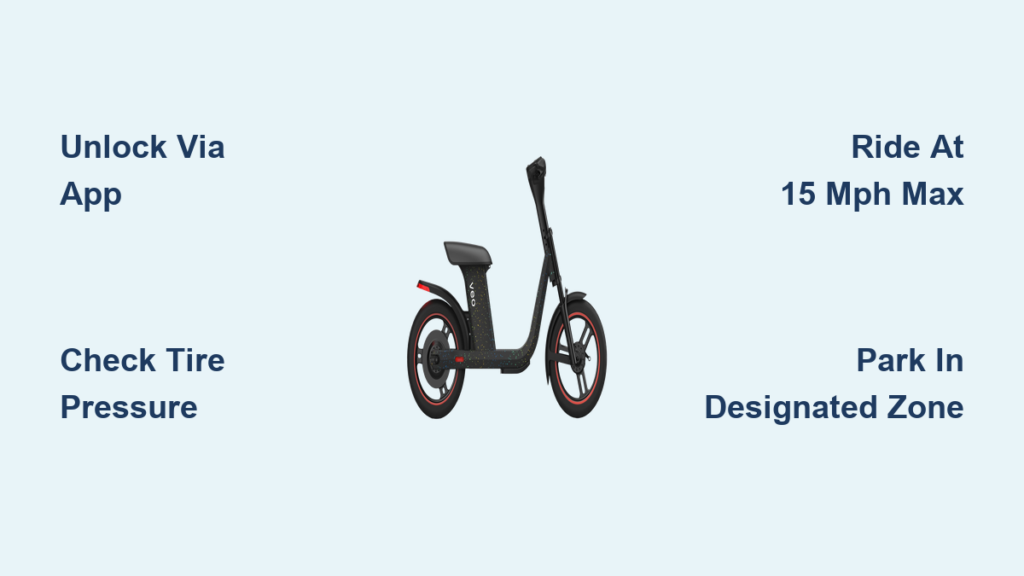
You’ve seen them parked neatly on sidewalks, sleek scooters with large seats and bright lights. The Veo Cosmo isn’t your average e-scooter. Designed for rideshare use and urban commuting, it’s built to travel far and carry heavy loads. But if you’re new to it, you might be wondering how to use a Veo scooter effectively.
This guide walks you through exactly how to use a Veo scooter, from unlocking via the app to riding safely and maximizing its impressive 55-mile range. Whether you’re using it for a quick commute or a campus tour, you’ll learn how to avoid common mistakes and get the most out of every ride.
Unlock with the Veo App
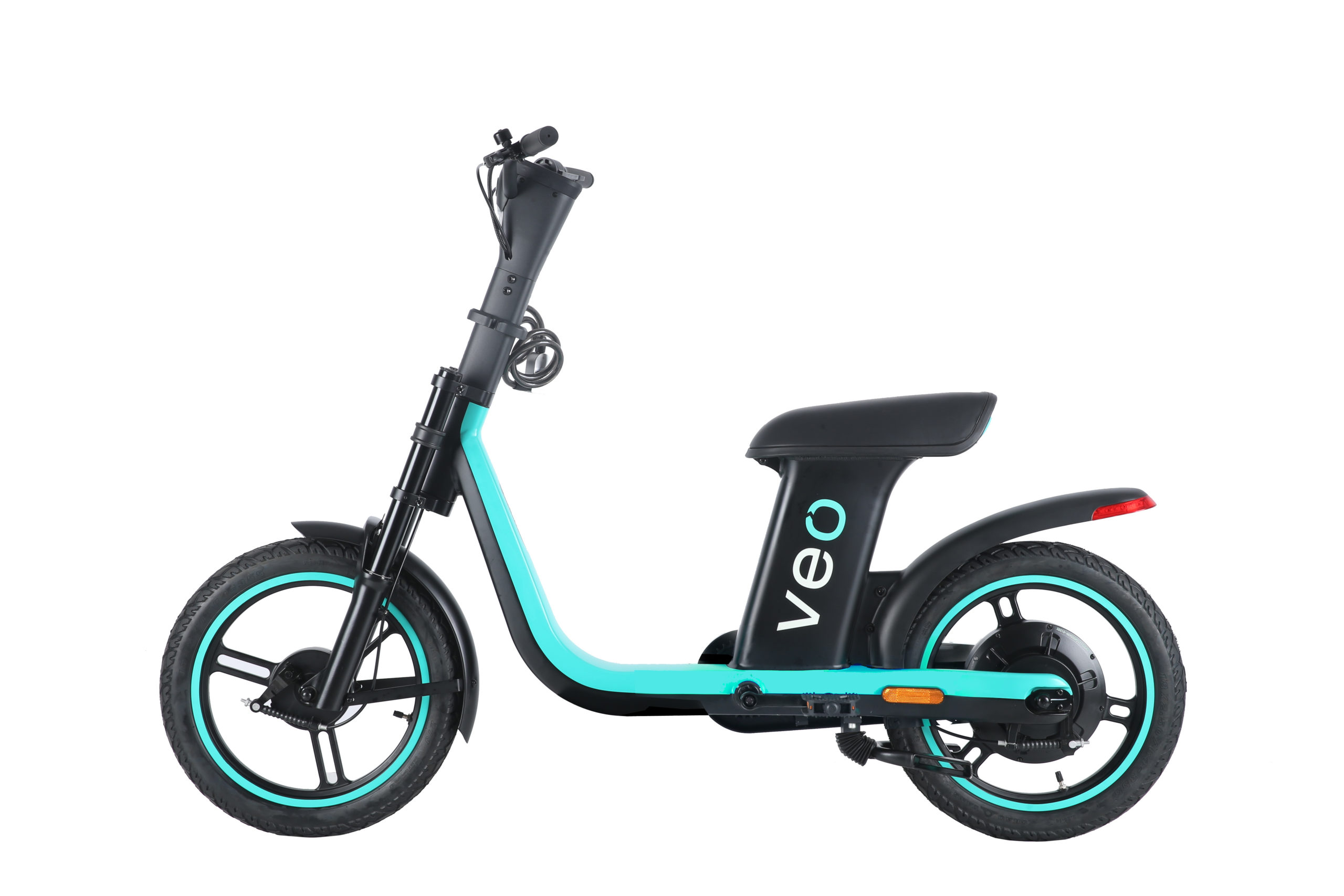
Before you ride, you need to unlock the scooter using the official Veo app. This is the only way to start your ride if you’re using it through the rideshare network.
Download and Set Up the App
Download the Veo app from the Apple App Store or Google Play. Create an account with your email and phone number, then add a payment method since rides are charged to your card on file. Enable location services so the app can show nearby scooters on the map.
Scan to Unlock
Open the app and view the map to locate the nearest Veo Cosmo scooter, which appears as a blue icon. Walk up to the scooter and scan the QR code on the handlebars or frame. Tap “Unlock” in the app and pay the $1.00 unlock fee to start your ride.
Pro Tip: Check that the scooter shows a green “Available” status in the app before scanning. If the battery is low or the scooter is under maintenance, it won’t unlock.
Perform a Pre-Ride Safety Check
Never skip this step. A quick inspection ensures your ride is safe and prevents mid-ride failures.
Check These Four Key Areas
Battery Level: Look at the app after scanning. It shows real-time battery percentage. Avoid scooters below 20% unless your trip is very short.
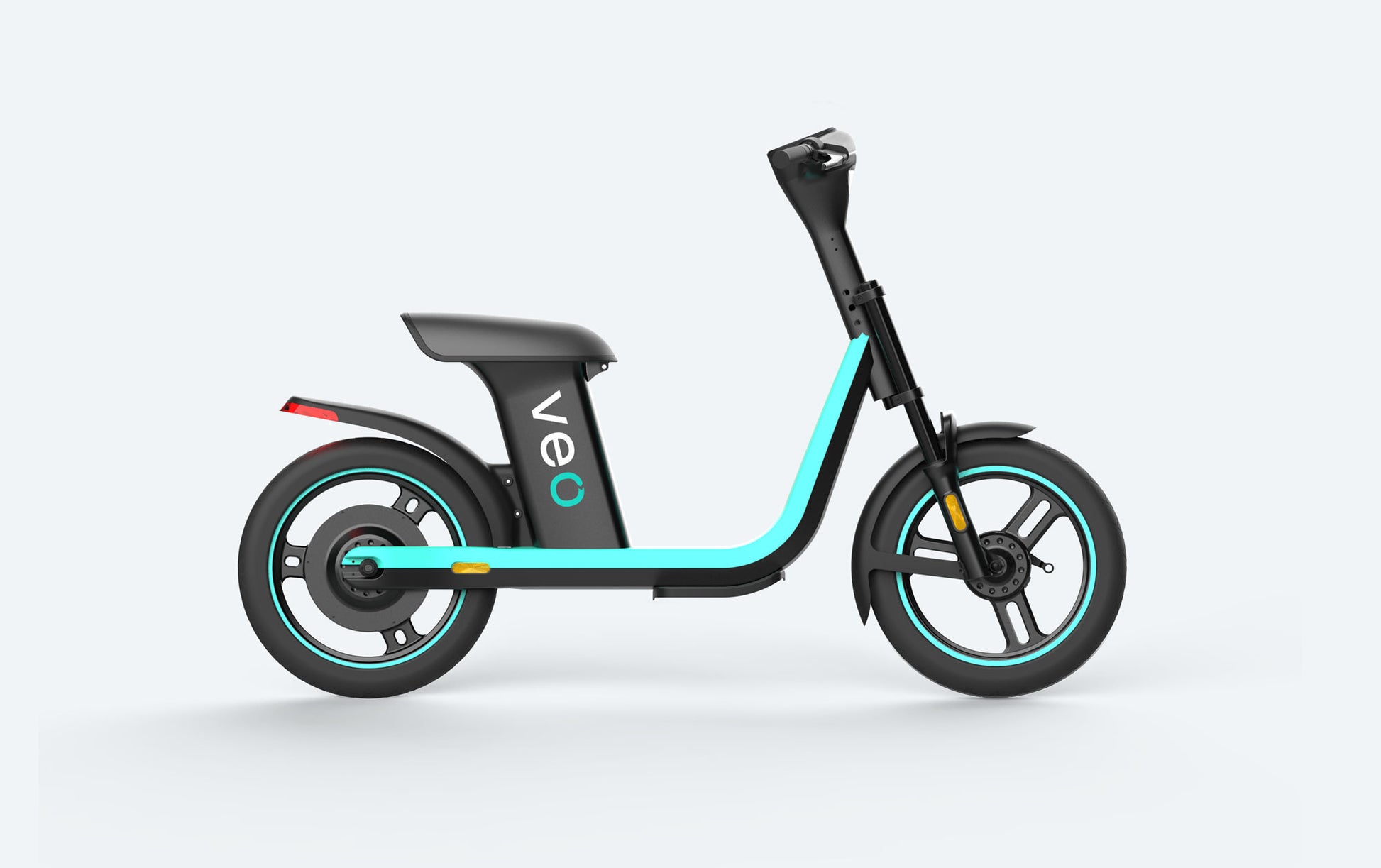
Tire Pressure: The Veo Cosmo has 18-inch air-filled tires that can go flat. Squeeze the tires with your hand. If they feel soft or sag, do not ride. Check for cuts, nails, or bulges.
Brake Functionality: Squeeze both brake levers. You should feel resistance and hear a slight click. Test while standing still by gently pulling brakes and trying to push the scooter forward.
Lights and Reflectors: Turn on the scooter via the app. Confirm front and rear LED lights are working. Check side reflectors, especially important for night rides.
Report Issues Immediately: Use the app’s “Report Problem” feature if anything is damaged or malfunctioning.
Mount and Start Riding
Now that it’s unlocked and inspected, it’s time to ride.
Step-by-Step Riding Instructions
Stand behind the scooter and hold the handlebars firmly. Press the power button on the display if the scooter isn’t already on. Place one foot on each side of the deck on the wide foot pads for stability.
The Veo Cosmo has the largest seat of any scooter, promoting an upright chair-like posture. Sitting reduces wrist and back strain, especially on longer rides, though standing is optional.
Grip the right-side throttle and gently twist to accelerate. The scooter starts moving smoothly. When stopping, squeeze both brake levers gradually. Avoid slamming brakes, especially on wet or uneven surfaces.
Ride Time Tip: Most users pay $0.02 to $0.04 per minute, so a 15-minute ride costs about $1.30 to $1.60 total.
Understand Speed and Performance Limits
The Veo Cosmo is built for range and stability, not speed. Knowing its limits keeps you safe and prevents frustration.
Top Speed
The scooter is capped at 15 mph no matter how hard you twist the throttle. This limit improves battery efficiency and extends the 55-mile range. Compared to other scooters that go 25+ mph, this feels slow, but it’s intentional.
Hill Climbing
The 500-watt rear motor struggles on inclines over 15%. On steep hills, the scooter may lose speed rapidly, stall halfway up, or drain battery from 60% to 10% in minutes.
Pro Tip: Use your phone’s GPS to check elevation before riding. Avoid known hill zones like downtown ridges or campus bluffs.
Rely on the App for Real-Time Data

The handlebar display is nearly useless in sunlight. Don’t trust it. Use the Veo app instead for accurate information.
What the App Shows
The app displays live speed, which is more accurate than the sun-glared screen. It shows battery percentage, which is critical for long rides so you don’t get stranded. The app also tracks your ride history and shows GPS location to help you find parking zones or return routes.
Keep Your Phone Mounted: Use a bike phone holder to view the app safely while riding.
Ride Comfortably on Rough Surfaces
The Veo Cosmo handles smooth roads well, but rough terrain is a challenge.
Why the Ride Feels Bumpy
The hard seat has minimal cushioning, which is great for posture but bad for comfort on cracked pavement. The front suspension provides weak damping and doesn’t absorb large bumps. The 18-inch tires help with traction but don’t eliminate vibration.
How to Reduce Discomfort
Stand on foot pads over bumps and use your legs as shock absorbers when hitting potholes or uneven sidewalks. Avoid cobblestones and cracks by choosing smoother streets or bike lanes. Keep knees slightly bent to help dampen vibrations during seated rides.
Best For: Flat city streets, bike paths, and campus roads, not mountain trails.
Follow Safety Rules and Laws
Riding a Veo scooter isn’t just about convenience. It’s about responsibility.
Mandatory Safety Practices
Always wear a helmet to protect your head in case of falls or collisions. Obey traffic laws by riding with traffic, not against it. Stop at red lights and stop signs. Use hand signals when turning.
No phone use while riding. If you need to check the app, pull over and stop first. Use lights at night since the front and rear LEDs turn on automatically in low light.
Parking Rules
Park in designated zones, usually marked in the app. Don’t block sidewalks, ramps, or building entrances. Tilt the scooter upright and lock it via the app when done.
Fines Happen: Improper parking can result in local fines or user penalties.
Maximize Battery and Range

The 55-mile range is the Veo Cosmo’s biggest selling point. Here’s how to make it last.
Real-World Range Tips
Ride at steady speeds since frequent acceleration kills battery life. Avoid heavy loads because while it supports 660 lbs, heavier riders reduce range. Turn off when idle if stopped for more than a minute. Avoid hills and headwinds since both dramatically increase power draw.
Battery Chemistry: Lithium-ion, sealed under the seat. Not user-replaceable.
Know Where Veo Scooters Are Available
The Veo Cosmo is part of a growing rideshare network.
Current Availability
Veo scooters operate in 24 U.S. cities, including Durham, NC, Charleston, SC, Savannah, GA, Austin, TX, and Portland, OR. The company is expanding to 40 cities by year-end with international launch planned in 2025.
Check the App: Always verify availability in your city before relying on it for transport.
Final Tips for First-Time Riders
Before you go, remember these key takeaways.
Do
Use the app for unlocking and real-time data. Sit for comfort on long, flat rides. Inspect tires and brakes every time. Wear a helmet and follow traffic laws. Park in designated zones.
Do Not
Ride on steep hills exceeding 15% grade. Trust the handlebar display in sunlight. Modify the scooter to go faster. Carry passengers despite the big seat.
Frequently Asked Questions About How to Use Veo Scooter
How do I unlock a Veo scooter?
Download the Veo app, create an account, add a payment method, and enable location services. Open the app, find a nearby scooter with green “Available” status, scan the QR code on the handlebars or frame, and tap “Unlock” to pay the $1.00 fee.
What is the top speed of a Veo scooter?
The Veo Cosmo is capped at 15 mph regardless of how much you twist the throttle. This limit is intentional to maximize battery efficiency and achieve the 55-mile range.
Can Veo scooters climb hills?
The 500-watt rear motor struggles on inclines over 15%. On steep hills, the scooter may stall or drain battery rapidly. Check elevation with your GPS before riding to avoid problematic grades.
How far can a Veo scooter go on a single charge?
The Veo Cosmo offers a 55-mile range per charge under standard conditions. This range is achieved by capping speed at 15 mph and using efficient riding practices.
Is the Veo scooter comfortable for long rides?
The upright seat promotes good posture and reduces back and wrist strain. However, the seat is hard with minimal cushioning, and the front suspension struggles with large bumps. Riders often stand on rough patches to dampen vibration.
How much does it cost to ride a Veo scooter?
Rides include a $1.00 unlock fee plus $0.02 to $0.04 per minute depending on your city. A 15-minute ride typically costs $1.30 to $1.60.
Key Takeaways for Using Your Veo Scooter
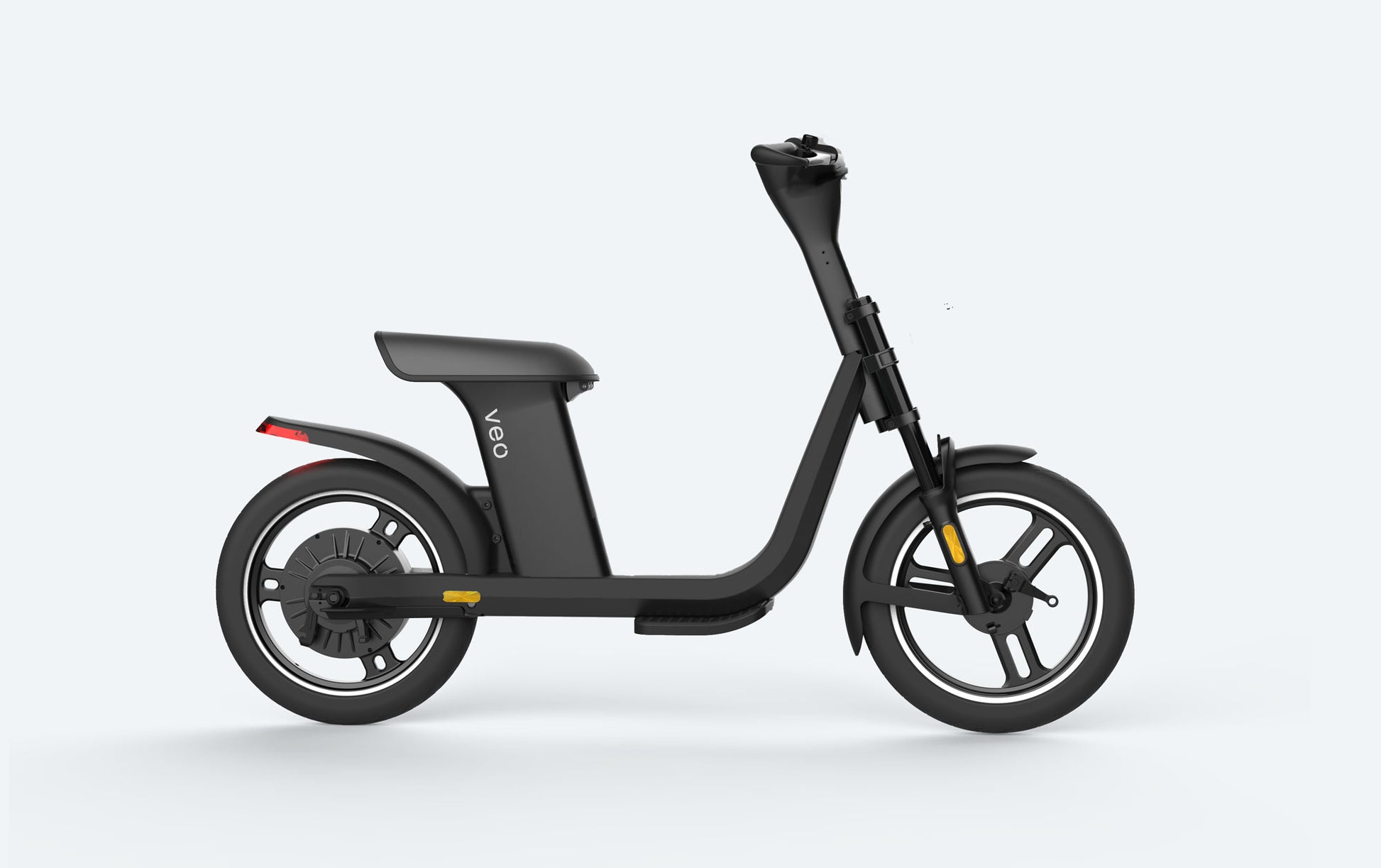
The Veo Cosmo isn’t for thrill-seekers or mountain climbers. It’s a practical, durable, long-range workhorse designed for urban commuters who need reliability, rideshare users wanting comfort over speed, and campus riders touring large grounds. Anyone with back or wrist pain benefits from the upright seating position.
By understanding how to use a Veo scooter properly, you unlock it via the app, check safety before every ride, ride within its 15 mph limit, and park responsibly. You’ll enjoy a smooth, efficient, and safe ride every time.
Now scan, ride, and enjoy the journey.



