
You’ve just unboxed your electric scooter and want to connect it to your phone, but the Bluetooth won’t turn on. You’re not alone. Many riders struggle with this step because there’s no universal “on” switch for Bluetooth on electric scooters. Unlike smartphones where Bluetooth is software-controlled and consistent, electric scooters rely on brand-specific activation methods that can be confusing or poorly documented.
The good news? Once you know your scooter’s exact process, turning on Bluetooth is quick and unlocks powerful features. This guide covers step-by-step instructions by brand, troubleshooting tips, and expert insights. Whether you own a Xiaomi M365, Ninebot MAX, or a Joyhis model, you’ll learn exactly how to activate Bluetooth and keep it working.
Xiaomi: Button Sequence Activation

Xiaomi scooters don’t turn on Bluetooth simply by powering up. You must trigger pairing mode manually using a precise button sequence on the power button.
Power and Pair in Two Steps
- Turn on the scooter: Press and hold the power button until the display lights up.
- Enter pairing mode: Tap the power button once, then immediately double-tap it twice in quick succession. The headlight will toggle on and off, and the scooter enters discoverable Bluetooth mode.
Pro Tip: Perform this within 10 seconds of powering on for best results. Delayed input may require a restart.
Use the Correct App
Download the Xiaomi Home or Mi Home app depending on your region. First-time users must watch a mandatory 2-minute introductory video before device setup appears. Grant full permissions including Location, Bluetooth, and Notifications.
After setup, open the app and select “Find your scooter.” Wait up to 86 seconds for the connection to stabilize. This delay is normal for Xiaomi’s custom protocol.
Fix Regional Lock Issues
If the app says “Already linked to another account,” follow these steps:
• Go to Profile and select Additional Settings
• Change the region to United States or United Kingdom
• Create a new account with the updated region
• Retry pairing
This bypasses geo-restrictions tied to firmware versions.
Ninebot/Segway: App-Triggered Bluetooth
Ninebot and Segway scooters use a different philosophy. Bluetooth activates only when the app opens. There’s no manual button sequence required.
Launch App to Activate
- Ensure your phone’s Bluetooth is enabled
- Open the Ninebot by Segway app or Seuway app for certain models
- The app automatically sends a signal to the scooter, turning on its Bluetooth module
Visual Cue: A solid Bluetooth icon appears in the app when connected. Blinking or missing means no connection.
The Bluetooth stays active as long as the app remains open and your phone is within range, approximately 10 meters.
Disable Bluetooth for Storage
Unlike Xiaomi, you cannot disable Bluetooth via the app. It runs by default. For long-term storage of 3 to 4 months, prevent battery drain by removing the deck or handlebar cover, accessing the main control board, and flipping the hardware switch from “1” (On) to “0” (Off).
Warning: Only attempt this if experienced. Miswiring can damage the ECU.
To reactivate, flip the switch back to “1” and reopen the app.
Joyhis: Check Model and Button
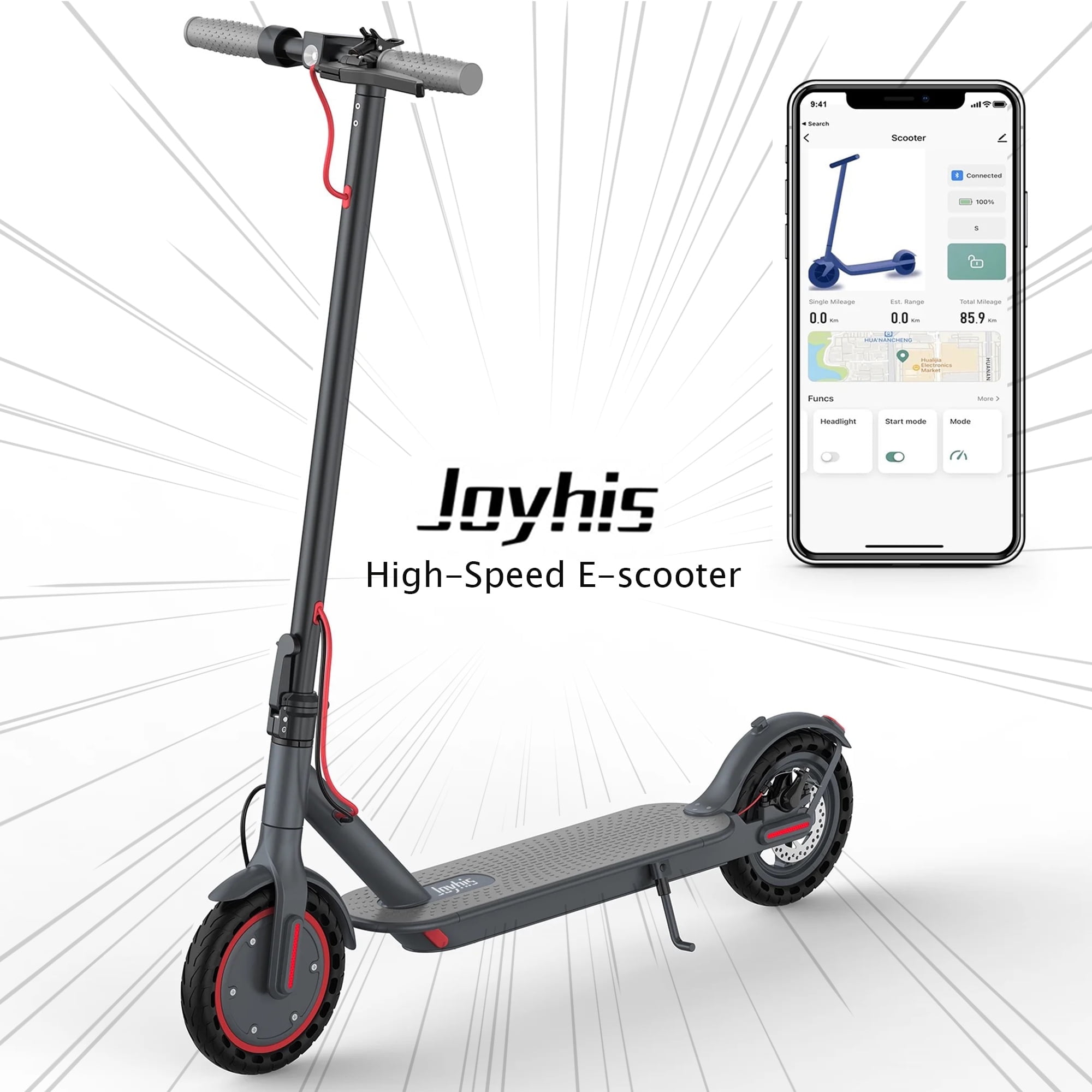
Joyhis scooters vary widely. Some models have Bluetooth while others don’t. Always verify your model supports it before troubleshooting.
Test Physical Button Method
On supported models, power on the scooter and locate the Bluetooth button near the display or control panel. Press and hold for 5 to 10 seconds until an LED flashes or the app detects the device.
If no dedicated button exists, try holding the power button for 10 seconds after startup. Alternatively, perform a reset by turning off the scooter, waiting 30 seconds, and powering back on before retrying.
Confirm App Compatibility
Use the official Joyhis app from the App Store or Google Play. Outdated versions fail to detect devices due to API changes.
Ensure the app has these permissions:
• Location access (required for Android Bluetooth scanning)
• Bluetooth permissions
• Background refresh enabled
Still not connecting? Contact Joyhis support with your model number and firmware version. Some units ship with Bluetooth disabled at the factory.
Generic Activation: Universal Steps
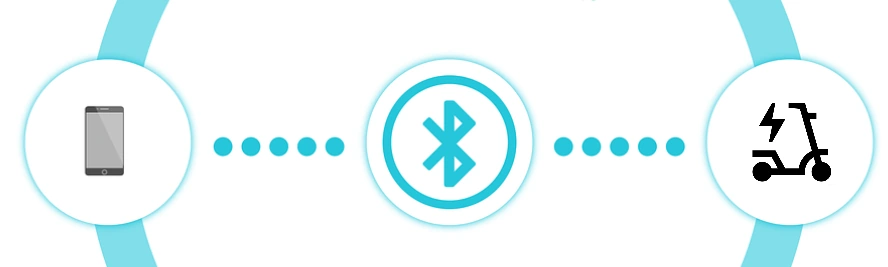
If your scooter brand isn’t listed, follow this universal workflow.
Step-by-Step Pairing Process
- Download the Right App: Search your scooter’s model number plus “companion app.” Common apps include Ride1Up, Inokim Connect, EcoRider, or manufacturer-specific tools.
- Prepare the Scooter: Charge to at least 50%. Low power weakens Bluetooth signal. Power on the scooter. Some enter pairing mode automatically.
- Enable Phone Discovery: Turn on Bluetooth and set to Discoverable. Enable Location Services, which is critical on Android.
- Initiate Pairing: Open the app, go to Devices, and select Scan. Choose your scooter from the list. Enter PIN if prompted. Common codes are 0000, 1234, or 8888.
- Confirm Connection: Look for a solid Bluetooth icon in the app, remote light control working, and real-time speed display. Test by changing a setting such as speed mode.
Time Estimate: Full setup takes 3 to 7 minutes with correct inputs.
Troubleshoot Failed Connections
Even with the right steps, Bluetooth pairing fails often. Here’s how to fix common issues.
Device Not Showing Up
| Cause | Fix |
|---|---|
| Bluetooth off on phone | Turn on and allow discovery |
| Missing app permissions | Go to Settings, App, Permissions, and enable all |
| Scooter not in pairing mode | Repeat button sequence or hold power 10 seconds |
| Interference from other devices | Move away from Wi-Fi routers, microwaves, or Bluetooth speakers |
| Low scooter battery | Charge to 50% or higher and retry |
Connection Drops Frequently
Ninebot users should keep the app open. Closing it kills Bluetooth. Xiaomi users should avoid background app killers as they disrupt the 86-second handshake. For all users, restart both devices and wait 30 seconds before powering back on.
Is Bluetooth Even Supported
Not all scooters have Bluetooth. Confirm your model includes it by checking product specs on the manufacturer website, the presence of a companion app, or a display screen with digital interface. Analog dials likely mean no Bluetooth. Entry-level models like basic Joyhis or older Xiaomi Lites may lack the hardware entirely.
What You Can Do After Pairing
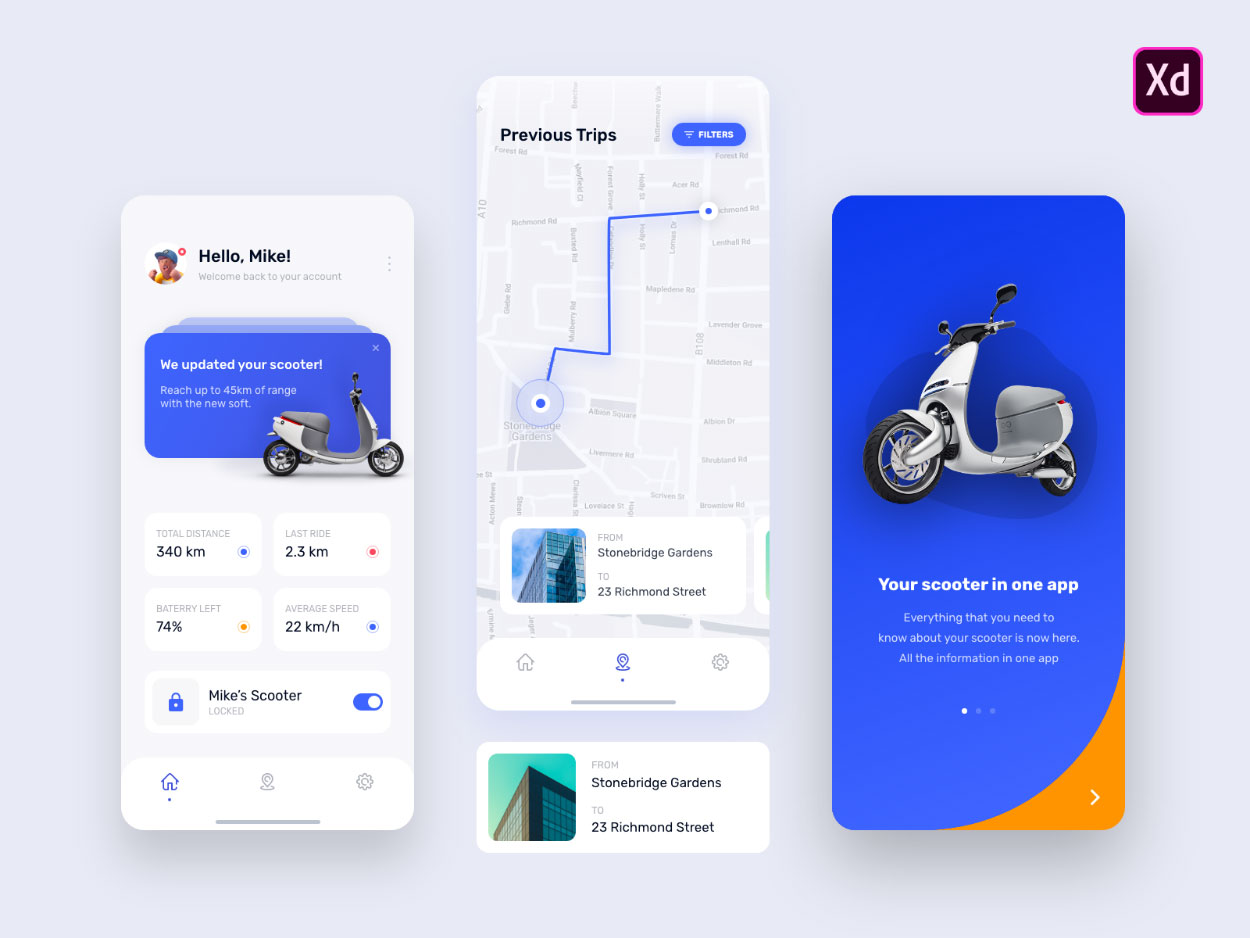
Once Bluetooth is active, your scooter becomes a smart device with multiple control and monitoring features.
Control Riding Modes
• Switch between Eco, Standard, and Sport modes
• Activate Crease Mode for tighter cornering on Ninebot models
• Adjust acceleration smoothness and top speed limits
Monitor Performance
• View real-time speed, battery percentage, and voltage
• Track total mileage and ride history
• Get low-battery alerts and range predictions
Enhance Security
• Remote lock the scooter to prevent unauthorized use
• Enable anti-theft alarms that trigger on movement
• Use GPS tracking to locate a stolen scooter if equipped
Update Firmware
Install over-the-air updates for performance fixes and unlock new features without visiting a service center.
Play Music If Equipped
Some scooters like the Ninebot Max G2 have built-in speakers. After pairing, disconnect from the scooter in the app, then reconnect via your phone’s Bluetooth audio profile to play music directly from Spotify or other apps.
Note: Audio and app control cannot run simultaneously. Switch profiles as needed.
Prevent Battery Drain in Storage
Leaving Bluetooth active during long-term storage risks deep discharge, which can permanently damage lithium-ion batteries.
Short-Term Storage Under 3 Months
Charge every 4 to 6 weeks to 50 to 70%. Leave Bluetooth on for convenient quick rides.
Long-Term Storage Over 3 to 4 Months
For Ninebot or Xiaomi models, use the internal hardware switch to cut Bluetooth power. If no switch exists, fully charge before storage, keep in a cool dry place at 15 to 25°C, and recharge to 50% every 60 days.
Critical: A fully drained battery may never recharge.
Key Takeaways for Activating Electric Scooter Bluetooth
Turning on Bluetooth isn’t one-size-fits-all across electric scooter brands. Xiaomi scooters require a specific button-press sequence to enter pairing mode. Ninebot models activate Bluetooth automatically when you open the companion app. Joyhis scooters vary by model, so check your specific version before troubleshooting. Generic activation follows a standard download-app-power on-scan-connect workflow that works for most other brands.
Always verify your model supports Bluetooth before attempting pair. Keep your app updated, grant all required permissions, and ensure the scooter has at least 50% battery for stable connections. For long-term storage, physically disable Bluetooth via hardware switches or regular charging to prevent battery damage.
Frequently Asked Questions About Turning On Electric Scooter Bluetooth
Why won’t my electric scooter Bluetooth turn on?
Your scooter may not have Bluetooth hardware, or you’re using the wrong activation method for your brand. Xiaomi requires a button sequence, Ninebot activates via app, and some Joyhis models need a physical button press. Check your model specifications first.
How do I know if my scooter has Bluetooth?
Check the product page or manual for Bluetooth specifications. Look for a companion app, digital display screen, or LED indicators. Analog dials without display screens typically indicate no Bluetooth capability.
Why does my Xiaomi scooter say “linked to another account”?
This is a regional lock issue. Change your Xiaomi Home app region to United States or United Kingdom in Profile, Additional Settings. Create a new account with the updated region and retry pairing.
Why does my Ninebot Bluetooth keep disconnecting?
Ninebot Bluetooth only stays active while the app is open. Keep the app running in the foreground. If connection drops, reopen the app and wait for reconnection.
Can I disable Bluetooth on my electric scooter?
For Ninebot, you cannot disable Bluetooth via software. Use the internal hardware switch on the main control board. Xiaomi models enter pairing mode only when triggered. For storage, physically disconnect the Bluetooth module or remove the battery.
How do I prevent Bluetooth from draining my scooter battery during winter storage?
For storage over 3 months, either remove the battery or use the hardware switch to disable Bluetooth. If no switch exists, charge the scooter to 50% every 60 days. A fully discharged lithium-ion battery may become permanently damaged.



